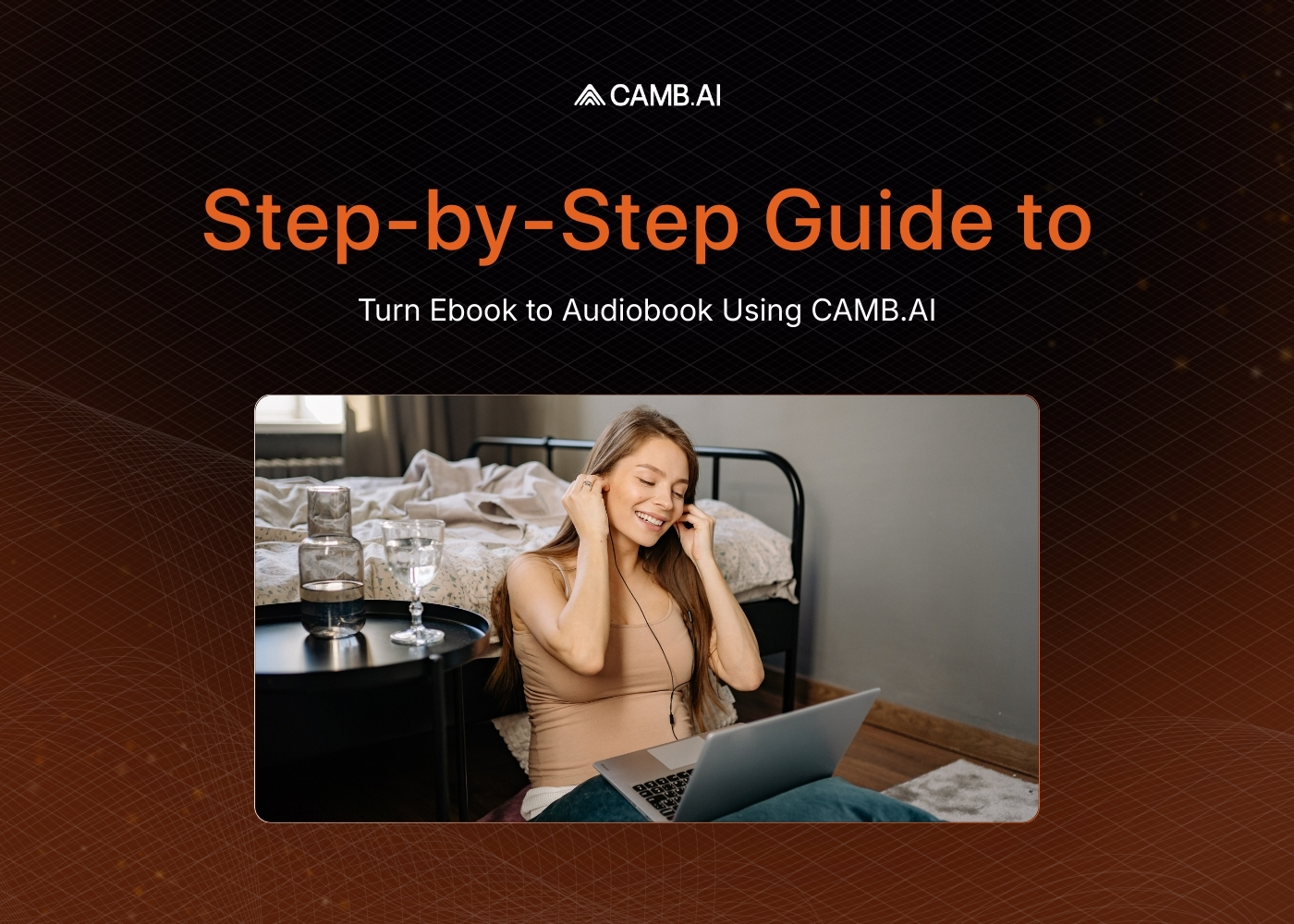
Steps to Convert An Ebook Into An Audiobook Using CAMB.AI


An author finishes a 90,000-word novel. A professional narrator quotes $5,000 and a three-week turnaround. The royalty projections do not justify the cost. The book stays text-only, and potential listeners never hear it.
AI text-to-speech changes that math entirely. The same book can now be narrated using a cloned or generated voice in a fraction of the time and cost. For publishers with deep backlists, the technology turns thousands of unrecorded titles into audio products without proportional investment.
How to Convert an Ebook into an Audiobook in 8 Steps
CAMB.AI's Stories feature inside DubStudio converts your written text into a fully narrated audiobook using AI text-to-speech. The process handles voice selection, script editing, speed adjustment, and multilingual export from a single interface. Here is how to do it step by step.
Step 1: Upload Your Text File
Start by uploading your ebook in TXT or DOCX format. The Stories feature also supports image uploads and scanned documents through OCR (Optical Character Recognition), which extracts text from images or scanned pages automatically.
Make sure your file does not exceed the platform's character limit for smooth processing. Once uploaded, the system detects and prepares the content for narration.
Step 2: Select the Source Language
After uploading, select the language your ebook is written in. Accurate language selection ensures the AI reads pronunciation, rhythm, and intonation correctly. CAMB.AI supports text-to-speech narration in 150+ languages, covering 99% of the world's speaking population.
Step 3: Choose a Narrator Voice
You have three options for the narrator's voice:
- Default voice: Pick from the Voice Library, which includes a range of voices across languages and accents.
- Custom voice: Upload your own voice recording to create a cloned narrator voice for the audiobook. An author can provide a short recording session, and the AI generates the full narration in that voice.
- Shared voice: Use a voice that another user has previously shared with you through Voice Marketplace.
The narrator's voice stays consistent across the entire audiobook, eliminating the session-to-session drift that occurs with traditional multi-day studio recordings.
Step 4: Add a Description (Optional)
You can add an optional description to provide context about the story, its theme, or its intended audience. A clear description helps organize your projects when managing multiple audiobooks.
Step 5: Begin Creating the Audiobook
Once your text file is uploaded, the language is selected, and the narrator's voice is chosen, click "Begin Creating a Story." The system splits your text into individual lines, each containing a single sentence, and prepares them for audio generation.
Step 6: Review and Edit the Script
Before generating audio, review the split script for sentence flow, proper line breaks, and correct punctuation. Punctuation affects how the AI reads your text, so keeping periods and commas on the correct line avoids audio artifacts.
Once satisfied, click "Re-generate all stale/muted dialogues audio" in the floating toolbar. The system generates audio for every line. After the generation completes, you can:
- Play each line and verify the audio using the seek bar
- Edit any line and regenerate audio for that specific sentence
- Split a line into two separate dialogue entries
- Merge lines together using "Merge Before" or "Merge After."
- Add new lines before or after any existing entry
- Delete lines entirely
- Adjust the playback speed of individual lines to match the desired tone or pacing
- Add gaps between lines for chapter headings, section breaks, or pauses (the default gap is 0.4 seconds)
You can also select multiple lines at once to regenerate audio or change the speaker in bulk, which saves time on longer manuscripts.
Step 7: Add Other Languages (Optional)
After the narration is complete in the source language, you can produce multilingual editions of the same audiobook. Select "Add Other Languages" and choose between two options:
- Generate translations: Creates the translated text only, allowing you to review the translation before generating audio separately.
- Generate translations and dub: Produces both the translated text and the voiced narration at once, so you can download the finished output directly.
The author's voice is preserved in every language through voice cloning, creating a personal connection with international listeners that a different narrator in each language cannot match.
Step 8: Export and Download the Audiobook
Click "Generate Audio Tracks" when editing is complete. A dialog box appears where you click "Export," and once processing finishes, click "Download." You can download:
- The full source audio in multiple formats
- Dialogue-only audio if the story has multiple speakers
- A .txt export of the script
For a mastered output with professional post-processing, the platform provides a separate export option within the same project page.
Why Convert an Ebook into an Audiobook
The audiobook market continues to grow as listeners consume content during commutes, workouts, and downtime. Converting your ebook into an audiobook opens your content to an audience that prefers audio over reading on a screen.
Key advantages include:
- Accessibility for listeners with visual impairments or learning disabilities
- On-the-go consumption for busy readers who multitask
- Backlist monetization, turning text-only titles into new revenue streams
- Multilingual reach without hiring separate narrators for each language
- Faster production measured in days rather than weeks
CAMB.AI's MARS-Pro model achieves 0.87 WavLM speaker similarity on the MAMBA benchmark, delivering voice consistency and emotional expression across long-form content. For audiobooks that require director-level emotion control, MARS-Instruct (1.2B parameters) adjusts delivery style per passage based on the emotional context of the text.
Whether you are an independent author, publisher, or content creator, AI text-to-speech narration makes audiobook production accessible at any scale.
Whether you're a media professional or voice AI product developer, this newsletter is your go-to guide to everything in speech and localization tech.
Frequently Asked Questions
Related Articles