AI VOICES
AI Voices You Can Save, Share, and Reuse Across Every Project
CAMB.AI's Voice Library lets you store cloned and generated voices for consistent reuse across dubbing, text-to-speech, and audiobook production in 150+ languages.
WHY CAMB.AI
What Is the Voice Library?
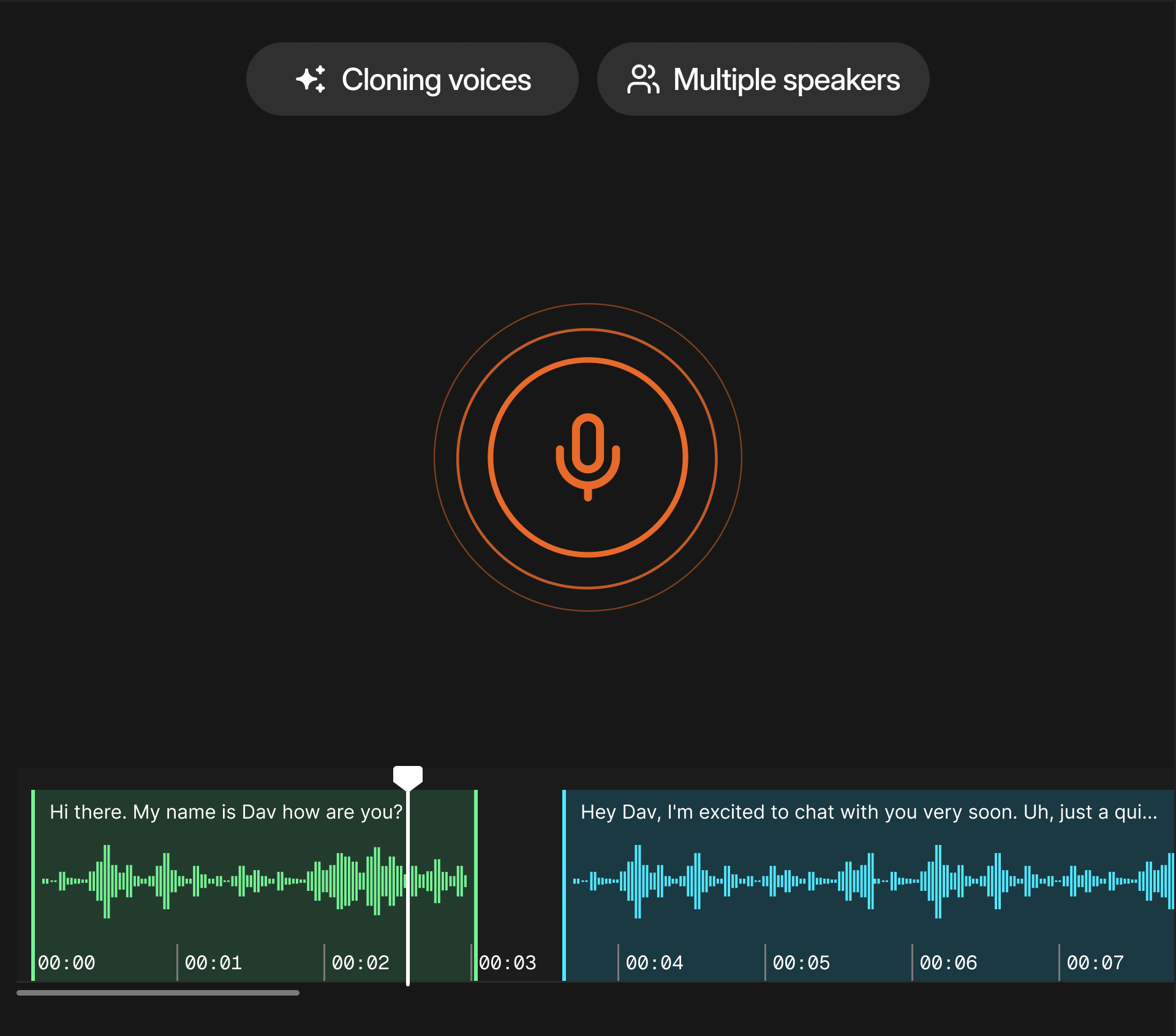
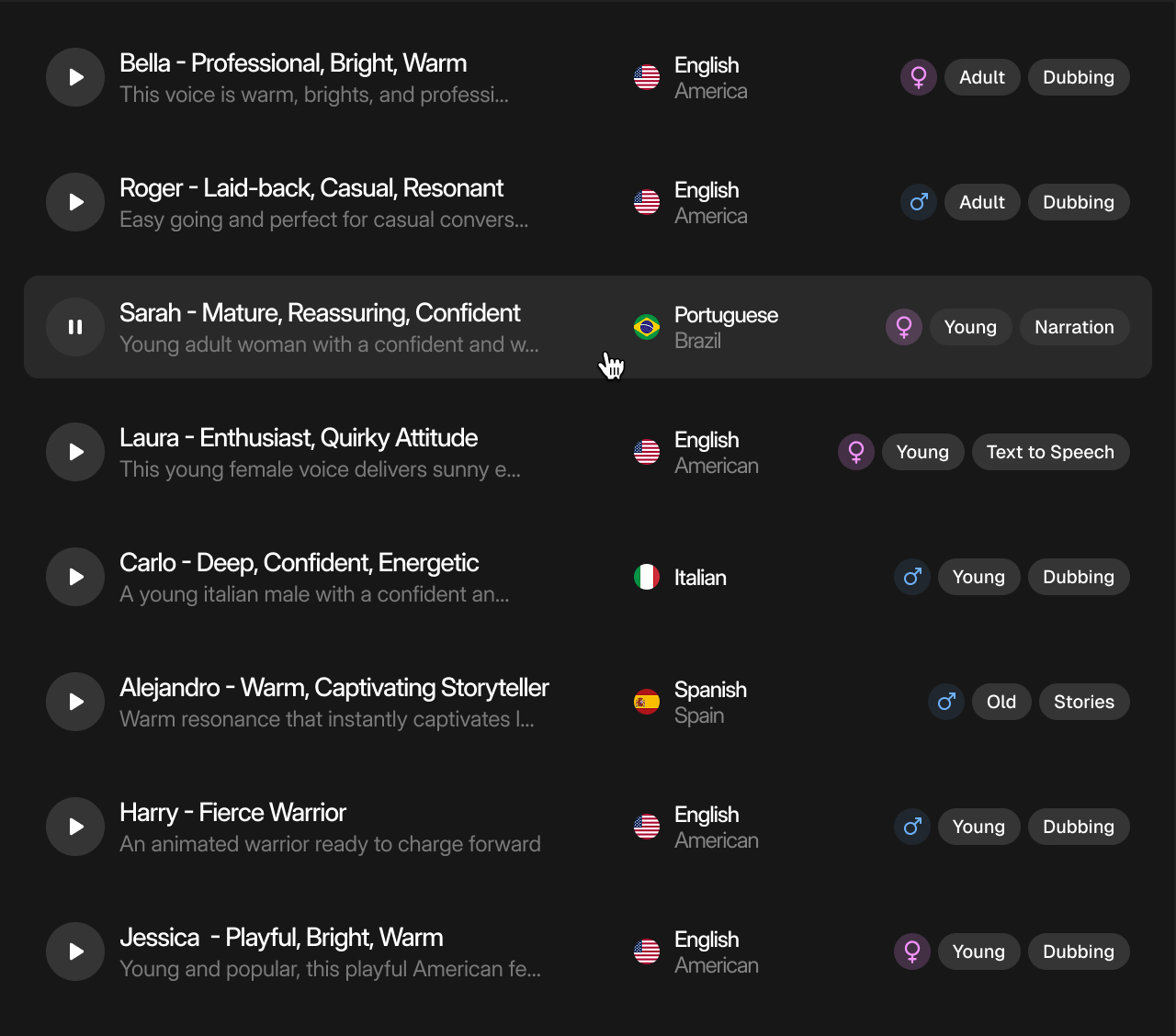
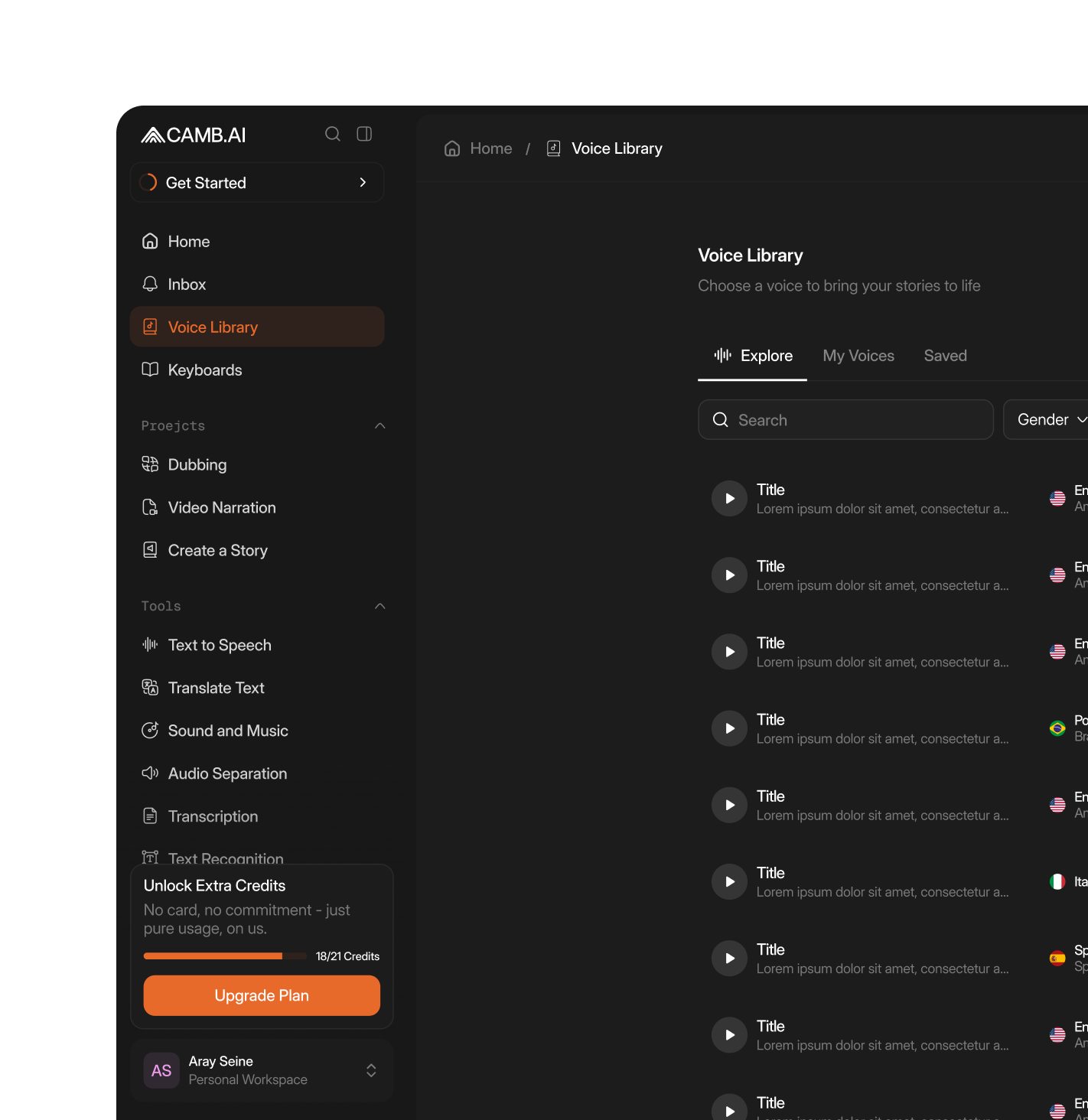
The Voice Library is a centralized repository within DubStudio where teams save, organize, and reuse AI voices across projects. Clone a speaker's voice once, store it, and apply it to any future dubbing, TTS, or audiobook workflow. The Voice Marketplace allows voices to be shared across teams. Combined with the Voice Generator's prompt-based creation, the library provides a consistent, scalable voice roster without re-recording.
KEY CAPABILITIES
Core Voice Library Capabilities
P: if needed

Voice Generator
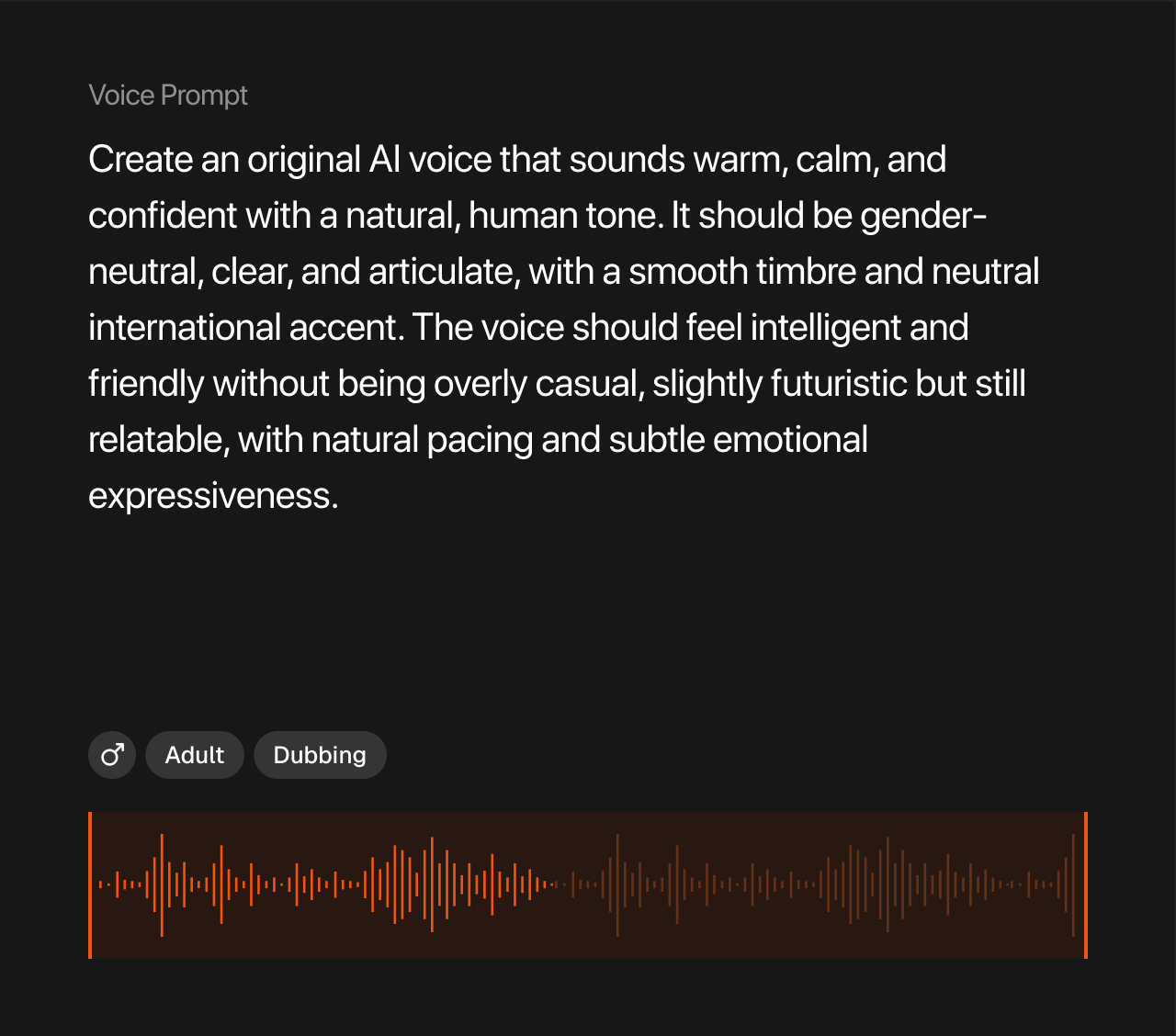
Create new AI voices from text prompts describing desired characteristics, tone, and style. Save generated voices directly to the library.

Voice Cloning and Storage
Clone any speaker from a short reference sample using MARS-Pro (0.87 WavLM speaker similarity) and save the voice profile for unlimited reuse.

Voice Marketplace
Share voices across teams, projects, and organizations. Access shared assets for a consistent brand identity.
CAPABILITIES
INDUSTRIES
Who Is the Voice Library Built For?
P: if needed

Media and Entertainment Studios
Production teams maintain consistent character and narrator voices across seasons and multilingual releases.
Read more →

Content Creators and Podcasters
Creators preserving their voice identity across translated content without re-recording for each language.
CTA →

Advertising and Marketing Agencies
Agencies managing voice assets for multiple clients across campaigns and regional markets.
CTA →
USE CASES
Voice Library Use Cases
p: if needed
Brand Voice Consistency
Store your brand's approved AI voices and apply them across every piece of content, from product videos to IVR systems, in any language.

Series and Episodic Production
Maintain character voice continuity across multiple episodes and seasons without re-cloning or manual matching.

Multilingual Marketing Campaigns
Clone a spokesperson's voice once, then produce localized campaign content in 150+ languages with consistent identity.

Audiobook Production
Store narrator voices in the library and apply them across titles using DubStudio Stories for consistent audiobook output.

HOW IT WORK
How the Voice Library Works
STEP 1
Create or Clone a Voice
Upload a short audio reference to clone a speaker, or use the Voice Generator to create a new AI voice from a text prompt.
STEP 2
Save to Library
Store the voice profile with labels, tags, and project associations for organized retrieval.
STEP 3
Apply Across Projects
Select saved voices when configuring dubbing, TTS, or audiobook jobs in DubStudio. Voices work across all 150+ supported languages.
STEP 4
Share and Scale
Use the Voice Marketplace to share voices across teams. Reference library voices via API for automated production pipelines.
faqs
Frequently Asked Questions
Can I clone my own voice and save it?
Yes. Upload a short audio reference to clone your voice using MARSPro, then save the profile to your Voice Library for reuse across projects and languages.
Does the cloned voice work across languages?
Yes. Saved voices apply across all 150+ languages while preserving speaker identity. MARSPro achieves 0.87 WavLM speaker similarity.
What is the Voice Generator?
The Voice Generator creates new AI voices from text prompts describing desired vocal characteristics. Generated voices can be saved to the library like cloned voices.
Can voices be shared across teams?
Yes. The Voice Marketplace allows voices to be shared across teams, projects, and organizations for a consistent brand identity.
Is there API access to the Voice Library?
Yes. Saved voices can be referenced programmatically via DubStudio APIs for automated dubbing and TTS pipelines.
.avif)