Best Free AI Video Translators: Best Options and Features


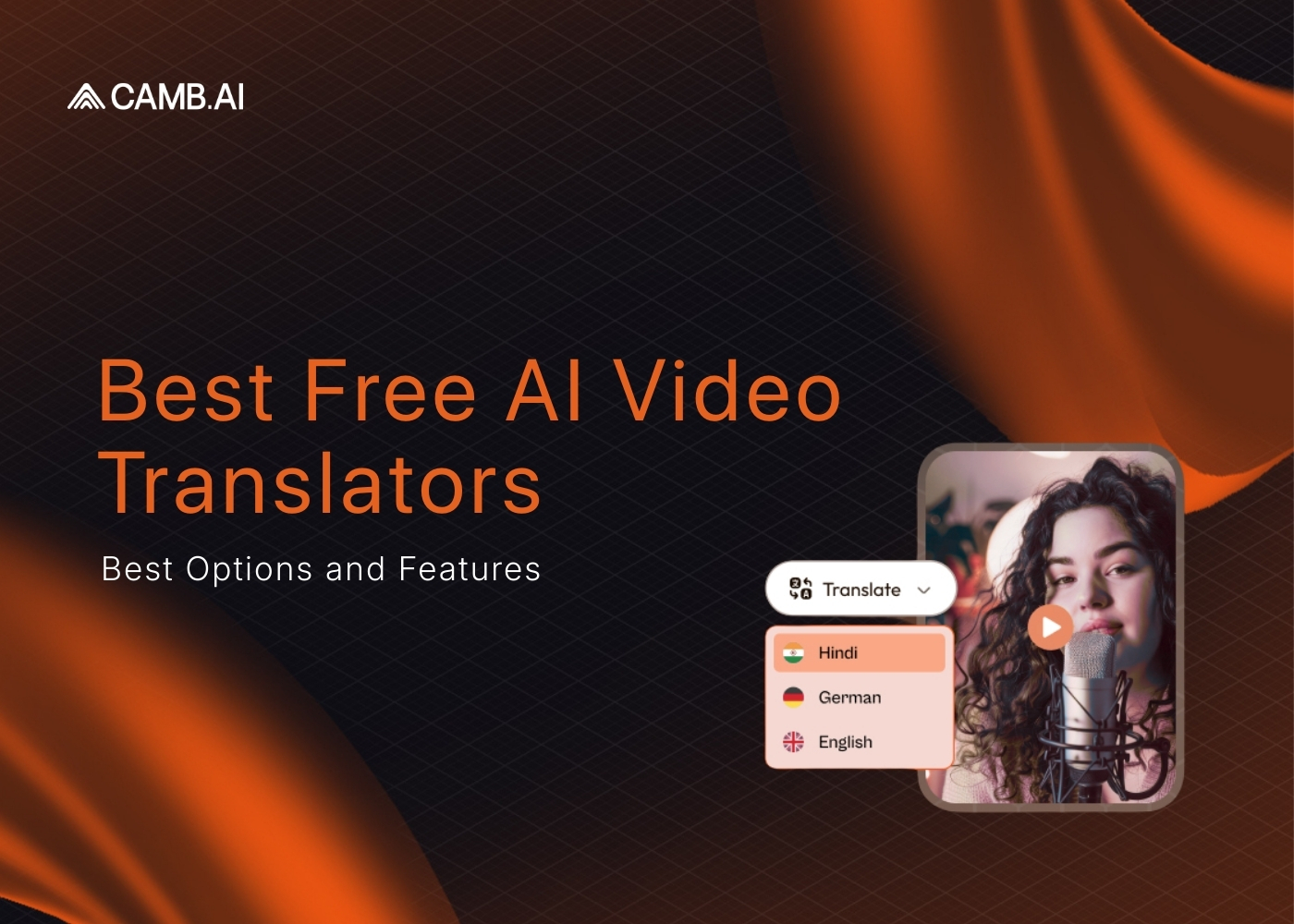
A free AI video translator is a tool that automatically converts spoken audio in a video into another language - generating translated subtitles, dubbed voiceovers, or both - without requiring a paid subscription. These tools use AI speech recognition to transcribe the original audio, a translation model to convert the text, and text-to-speech or voice cloning to produce the output in the target language. The best free options in 2026 support 30 to 175+ languages, process videos in minutes, and offer at least one free tier with no credit card required. Camb.ai, HeyGen, Synthesia, Maestra, and HappyScribe all offer genuinely usable free plans for creators, educators, and businesses.
Video content has become a cornerstone of communication, education, and entertainment worldwide. Making your videos accessible in multiple languages is essential for reaching a global audience. Free AI video translators offer a cost-effective solution for content creators, educators, and businesses.
This article delves into what video translation is, the importance of video translation, an overview of AI translation tools, and the top free video translation apps available today.
What is Video Translation?
Video translation involves converting the spoken or written content in a video from one language to another. Translating videos makes your content accessible to people who speak different languages, thus expanding your reach and impact. This process can include translating subtitles, dubbing audio, or both.
Importance of Video Translation
Translating videos is crucial for several reasons:
- Making your content accessible to people who speak different languages significantly expands your audience and global reach.
- Presenting content in viewers' native language increases engagement and improves overall connection.
- Connecting with audiences on a cultural level enhances the impact and effectiveness of your message, fostering inclusivity and diversity.
- Offering multilingual content helps you stand out in a crowded market and provides a competitive advantage.
Overview of AI Video Translators
AI video translators are tools that use artificial intelligence to automate the video translation process. Such tools can transcribe the original audio, translate the text into the target language, and generate subtitles or dubbed audio. AI translation tools have become popular because they can translate videos quickly and often for free.
Benefits of AI Video Translators
AI video translators offer several advantages:
- Cost-effective solutions are available, reducing the need for professional human translators and saving costs.
- Faster translation processes allow you to translate videos much quicker than manual methods, saving time.
- Scalability enables the translation of large volumes of content efficiently.
While AI translation tools are improving, they may not always capture nuances and cultural context as accurately as human translators.
Top Best Free AI Video Translators
Several free AI video translators that are free to use or offer a free trial offer robust features. Here are the best free video translation apps:
1. CAMB.AI
CAMB.AI provides a suite of AI translation tools that enable users to translate videos for free when you sign up for the 30 day trial. With features like Text To Speech, Text Translate, and Video Dubbing, CAMB.AI offers an all-in-one solution for video translation needs.
Features:
- Instant AI translation and dubbing in over 100 languages (140+).
- DubStream translates and dubs your stream instantly, making multilingual broadcasting accessible.
- AI Twitter Video Dubbing allows you to dub Twitter videos into multiple languages.
- One-click AI to translate and dub YouTube videos with a Chrome extension.
- MARS AI Model enables vocal performance transfer using just 2-3 seconds of audio.
Get started for free and experience seamless video translation today.
2. HeyGen
HeyGen's free plan gives you 3 video translations a month, each capped at 3 minutes, withlip-sync included and no credit card required.
- Free-plan limit: 3 videos/month, up to 3 minutes each, no credit card.
- Languages: 175+
- Dubbing or subtitles only: Dubbing with lip-sync, plus auto-generated subtitles andAI voiceover.
- Sign-up required: Yes, no credit card.
- Best for: Creators who need lip-synced talking-head translations across the widestlanguage list on this list, in short bursts.
3. Synthesia
Synthesia's free Basic plan gives you 10 minutes of avatar video a month in 160+ languages— but AI Dubbing, the feature that actually translates an existing video, sits behind thepaid Starter plan ($18–29/month).
- Free-plan limit: $0/month, no credit card, 10 minutes of avatar video, 9 stockavatars, watermarked exports.
- Languages: 160+ for avatar voiceovers; AI Dubbing (Starter+) covers 70+.
- Dubbing or subtitles only: Neither is free. The free tier creates new avatar-ledvideo; translating an uploaded video requires a paid plan.
- Sign-up required: Yes, no credit card.
- Best for: Testing avatar-led video production. Skip it if your only goal istranslating a video you already have for free.
4. Maestra
Maestra's free trial unlocks its full toolkit — AI dubbing, voice cloning, subtitles, andlip-sync — across 125+ languages, with no credit card or account required to start.
- Free-plan limit: Free trial, full feature access, no credit card.
- Languages: 125+
- Dubbing or subtitles only: Both — AI dubbing with voice cloning and lip-sync, plussubtitle generation and translation.
- Sign-up required: No.
- Best for: A one-off dubbing or voice-cloning project where you want the completetoolset before deciding whether to subscribe.
5. HappyScribe
HappyScribe's free trial covers the first 10 minutes of AI transcription or subtitling,no credit card needed, before you hit the cap.
- Free-plan limit: First 10 minutes free, no credit card.
- Languages: 150+ (HappyScribe's own pricing page lists 120+ for the same plan — seenote below).
- Dubbing or subtitles only: Subtitles and transcription only. There's no AI dubbingor synthetic voiceover feature.
- Sign-up required: Yes, no credit card.
- Best for: Short transcription or subtitle jobs under 10 minutes. Not a fit if youneed an actual translated voice track.
6. Canva AI Video Translator
Canva's free AI Video Translator dubs clips up to 1 minute long into 30+ languages,preserving the original speaker's voice and tone, inside your existing Canva account.
- Free-plan limit: Free for videos up to 1 minute. Longer videos need a Pro plan.
- Languages: 30+
- Dubbing or subtitles only: Dubbing with voice cloning; no lip-sync.
- Sign-up required: Yes, a free Canva account (no payment method needed).
- Best for: Short social clips you're already editing inside Canva — not astandalone dubbing workflow.
7. YouTube's Video Translator
YouTube provides an automatic captioning and translation feature that can generate subtitles in various languages.
Features:
- Automatic subtitle generation using speech recognition.
- Translation of subtitles into multiple languages.
- Simple to use for content uploaded on YouTube.
8. Amara
Amara is a collaborative platform that allows users to subtitle and translate videos when you sign up for their free trial.
Features:
- Community-driven translation and subtitling.
- Supports various video formats.
- Integration with platforms like YouTube and Vimeo.
9. Kapwing
Kapwing offers a free trial and also ai dubbing free no sign up for the online video editors with an auto-translate feature.
Features:
- Automatic transcription and translation of video subtitles.
- Supports multiple languages.
- Basic video editing tools included.
10. VEED.IO
VEED.IO is an online video editor that includes a free trial to access their video translation features.
Features:
- Automatic subtitle generation and translation.
- Supports over 50 languages.
- User-friendly interface with drag-and-drop functionality.
Comparison of Features
When choosing the apps that can translate videos or best ai video translator for free, you should consider the following aspects:
- Language Support varies among platforms. CAMB.AI supports over 140 languages, while others may support fewer languages.
- Translation Accuracy is enhanced in platforms like CAMB.AI that utilize advanced AI models like MARS for better accuracy in voice replication and translation.
- Ease of Use is essential if you're not tech-savvy. Platforms like CAMB.AI and Kapwing are user-friendly and suitable for beginners.
- Additional Features may be important. CAMB.AI offers tools like Text To Speech and Create Stories, providing a comprehensive solution.
How to Choose the Best AI Video Translator Free
Selecting the right video translator depends on your specific needs. Factors to consider include:
- Language Requirements: Ensure the tool supports the languages you need.
- Type of Translation Needed: Decide if you require subtitles, dubbing, or both.
- User Interface and Ease of Use: Look for a platform that is intuitive and easy to navigate.
- Additional Tools and Features: Consider if you need extra functionalities like video editing or text-to-speech.
- Community and Support: Platforms with active communities can be helpful for collaborative projects.
Getting Started with CAMB.AI
CAMB.AI provides a seamless experience for translating videos for free. Here's how you can get started:
- Sign Up: Get started for free with our 30 day trial when you sign up on CAMB.AI by creating an account.
- Upload Your Video: Use the user-friendly interface to upload your video.
- Select Translation Options: Choose the target language(s) and select whether you want subtitles, dubbing, or both.
- Utilize AI Tools: Access features like Video Dubbing and Text Translate.
- Preview and Edit: Review the translation and make any necessary adjustments.
- Download and Share: Export your translated video and share it with your audience.
Conclusion
Best Free AI video translators have revolutionized the way we translate and share video content globally. You can translate videos for free by using AI translation tools, reaching wider audiences without substantial costs.
CAMB.AI stands out as a comprehensive solution with extensive language support and advanced features. Whether you're a content creator, educator, or business, utilizing a tool like CAMB.AI can significantly enhance your global reach.
Ready to expand your audience with ease? Sign up for our 30 day trial on CAMB.AI and start translating your videos today.
Whether you're a media professional or voice AI product developer, this newsletter is your go-to guide to everything in speech and localization tech.
Frequently Asked Questions
Related Articles