Best Free AI Video Translators: Best Options and Features


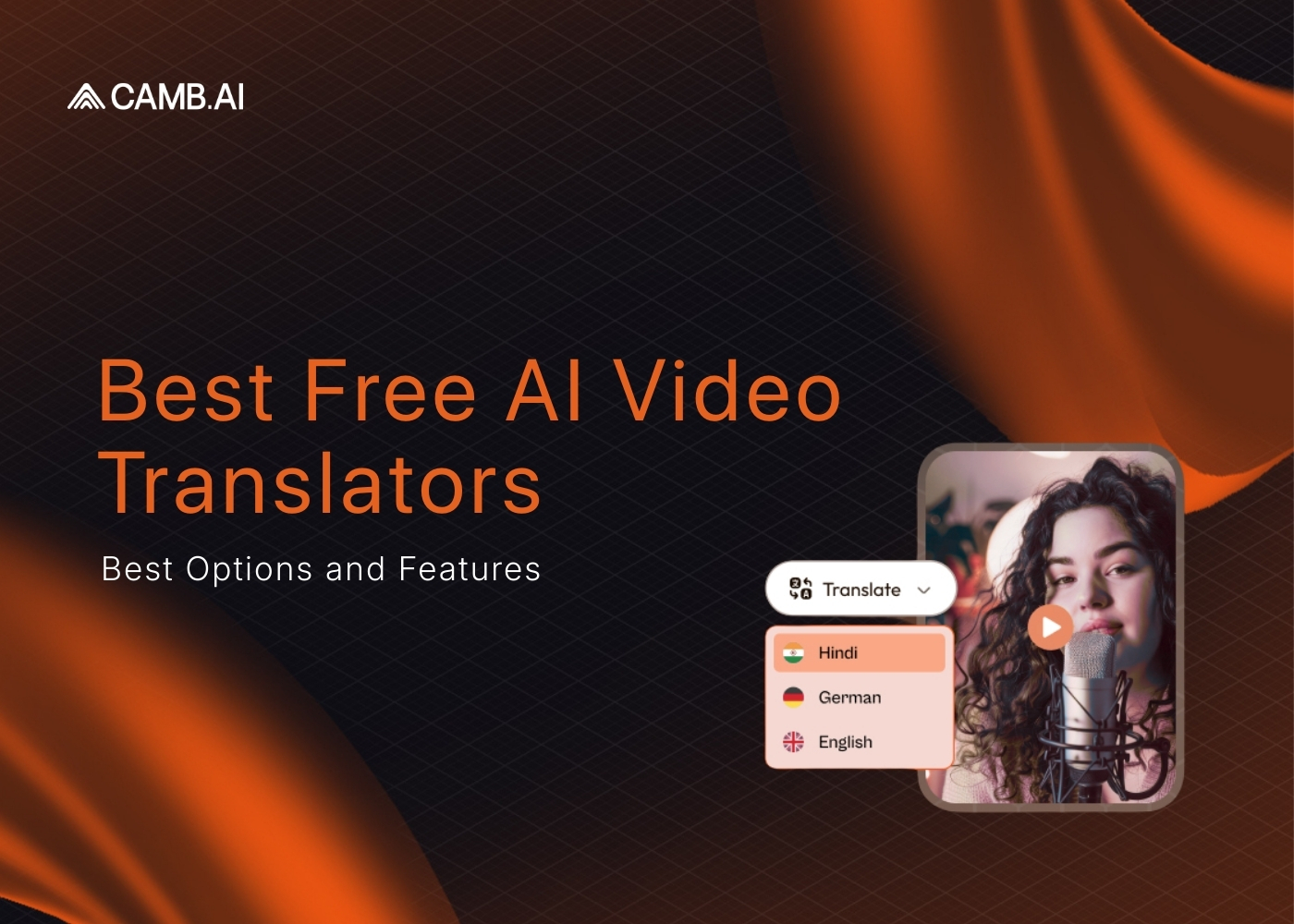
A free AI video translator is a tool that automatically converts spoken audio in a video into another language - generating translated subtitles, dubbed voiceovers, or both - without requiring a paid subscription. These tools use AI speech recognition to transcribe the original audio, a translation model to convert the text, and text-to-speech or voice cloning to produce the output in the target language. The best free options in 2026 support 30 to 175+ languages, process videos in minutes, and offer at least one free tier with no credit card required. Camb.ai, HeyGen, Synthesia, Maestra, and HappyScribe all offer genuinely usable free plans for creators, educators, and businesses.
Video content has become a cornerstone of communication, education, and entertainment worldwide. Making your videos accessible in multiple languages is essential for reaching a global audience. Free AI video translators offer a cost-effective solution for content creators, educators, and businesses.
This article delves into what video translation is, the importance of video translation, an overview of AI translation tools, and the top free video translation apps available today.
What is Video Translation?
Video translation involves converting the spoken or written content in a video from one language to another. Translating videos makes your content accessible to people who speak different languages, thus expanding your reach and impact. This process can include translating subtitles, dubbing audio, or both.
Importance of Video Translation
Translating videos is crucial for several reasons:
- Making your content accessible to people who speak different languages significantly expands your audience and global reach.
- Presenting content in viewers' native language increases engagement and improves overall connection.
- Connecting with audiences on a cultural level enhances the impact and effectiveness of your message, fostering inclusivity and diversity.
- Offering multilingual content helps you stand out in a crowded market and provides a competitive advantage.
Overview of AI Video Translators
AI video translators are tools that use artificial intelligence to automate the video translation process. Such tools can transcribe the original audio, translate the text into the target language, and generate subtitles or dubbed audio. AI translation tools have become popular because they can translate videos quickly and often for free.
Benefits of AI Video Translators
AI video translators offer several advantages:
- Cost-effective solutions are available, reducing the need for professional human translators and saving costs.
- Faster translation processes allow you to translate videos much quicker than manual methods, saving time.
- Scalability enables the translation of large volumes of content efficiently.
While AI translation tools are improving, they may not always capture nuances and cultural context as accurately as human translators.
Top Best Free AI Video Translators
Before examining each tool individually, the table below captures the features that matter most when choosing a free video translator. Every entry was verified against the platform's current pricing page as of mid-2026.
CAMB.AI: The Widest Language Coverage with Production-Grade Voice Cloning
CAMB.AI approaches video translation as a localization infrastructure problem rather than a consumer editing feature. The platform runs a full pipeline from transcription through neural translation (powered by the proprietary BOLI model) to voice cloning and synthesis using the MARS8 model family.
What the Free Tier Includes
The 30-day trial grants access to the complete feature set without a credit card. Users can upload videos, select from 150+ target languages, and export dubbed content with voice cloning, subtitle generation, and lip synchronization included. No watermark appears on any export during the trial period.
Where CAMB.AI Stands Out
Language coverage is the clearest differentiator. At 150+ languages covering 99% of the world's speaking population, CAMB.AI supports more languages for actual dubbing (not just subtitles) than any other free-tier platform on this list. The MARS8 model achieves 0.87 WavLM speaker similarity on the MAMBA benchmark, which means the cloned voice in the target language closely matches the original speaker's vocal identity, tone, and cadence.
Speaker diarization handles multi-speaker content natively. A panel discussion, a documentary with narration and interviews, or a training video with multiple presenters all get individual voice profiles without manual tagging. Background music and effects are isolated and preserved through the dubbing process.
For teams working at broadcast scale, DubStream handles live translation of SRT, RTMP, and HLS feeds into multiple languages simultaneously. Partners including NASCAR, MLS, and the Australian Open rely on this infrastructure for real-time multilingual sports coverage.
Get started for free and experience seamless video translation today.
Limitations to Know
The 30-day trial is genuinely full-featured, but it is a trial. After the window closes, paid plans apply. CAMB.AI is built for production workflows rather than casual one-off edits, so the interface prioritizes depth over simplicity. Creators looking for a drag-and-drop social media editor may find the learning curve steeper than lighter tools.
HeyGen: Avatar-Driven Translation with Strong Lip Sync
HeyGen's core product is avatar video creation, but its video translation feature has become one of the platform's most-used capabilities. The platform supports 175+ languages and produces lip-synced dubbed output that works well for talking-head content.
What the Free Tier Includes
The free plan allows 3 videos per month, each capped at 1 minute, with no credit card required. Lip-sync translation is available on the free tier as a limited trial. Exports carry a watermark on the free plan.
Where HeyGen Stands Out
Lip-sync quality on close-up talking-head videos is strong, particularly for European languages. The avatar creation system makes HeyGen effective for teams that want to create new presenter videos from scratch rather than dubbing existing footage. The interface is straightforward, and first-time users can produce a translated clip within minutes.
Limitations to Know
The 1-minute cap on free videos makes HeyGen impractical for anything longer than a social media clip. The credit-based pricing on paid plans (starting at $29/month) can become expensive quickly: lip-synced translation costs 5 credits per minute, and a Creator plan includes roughly 200 credits per month. HeyGen's avatar-first design means dubbing existing video footage is a secondary workflow, not the primary one. Language quality drops noticeably for tonal languages and rapid speech.
Rask AI: All-in-One Localization with Built-In Editing
Rask AI positions itself as a complete localization suite. The platform handles transcription, translation, voice cloning, lip sync, and subtitle generation within a single interface that also includes a text editor for refining translations before voice synthesis.
What the Free Tier Includes
Rask offers 3 minutes of free translated video. Exports on the free tier carry a watermark. Voice cloning and lip sync are accessible during the trial. Sign-up is required.
Where Rask AI Stands Out
The built-in editor for post-translation refinement is genuinely useful. Users can adjust translations at the sentence level before the platform generates the dubbed audio, which reduces the back-and-forth common with other tools. The 130+ language count covers most commercial needs.
Limitations to Know
Voice output can sound monotonic on longer passages, particularly in languages outside the top 10 by training data volume. Translation consistency varies across language pairs. The 3-minute free limit is thin for any real evaluation of output quality on full-length content.
Maestra: Full-Feature Trial with No Account Required
Maestra's free trial provides access to the complete toolkit, including AI dubbing, voice cloning, lip sync, and subtitle generation across 125+ languages, with no credit card and no account required to start.
What the Free Tier Includes
Full feature access during the trial period. No watermark on trial exports. No sign-up barrier for initial use.
Where Maestra Stands Out
The zero-friction entry point is the strongest on this list. Users can test every feature before creating an account, which makes Maestra ideal for one-off dubbing projects or side-by-side quality comparisons with other platforms.
Limitations to Know
The trial is generous but time-limited. Post-trial pricing is higher than several competitors. Voice quality on less common language pairs does not match the top-tier platforms.
VEED.io: Fast Subtitle Generation for Social Content
VEED.io is primarily a browser-based video editor with AI translation capabilities layered in. The platform handles subtitle generation and translation well but does not offer full AI dubbing on its free plan.
What the Free Tier Includes
The free plan supports subtitle generation and translation across 50+ languages. Exports carry a VEED watermark. Video length limits apply. No AI dubbing or voice cloning on the free tier.
Where VEED.io Stands Out
Speed and simplicity. Uploading a video and generating translated subtitles takes under five minutes for most clips. The editing interface is clean and works well for creators already producing short-form social content.
Limitations to Know
VEED's free tier is subtitle-only. No dubbed audio track, no voice cloning, no lip sync. For users who need an actual translated voice, VEED is not a video translator in the full sense until the paid plans. The 50+ language count is the smallest on this list.
Kapwing: Basic Translation Inside a General-Purpose Editor
Kapwing is a collaborative video editor that includes auto-translate as one of many features. The translation capability covers subtitles and basic voiceover generation.
What the Free Tier Includes
Limited free minutes with watermarked exports. Subtitle translation across 75+ languages. Basic voiceover generation available in limited languages.
Where Kapwing Stands Out
For teams already using Kapwing as their primary video editor, the built-in translation saves the step of exporting and importing between tools. The collaborative workspace supports multiple editors on the same project.
Limitations to Know
Translation quality is below the dedicated localization platforms. No voice cloning. No lip sync. The tool is best understood as a video editor that happens to include translation, not a translation platform with editing capabilities.
Canva AI Video Translator: Quick Dubbing for Short Social Clips
Canva added AI video translation to its design platform in 2025, allowing users to dub clips up to 1 minute long into 30+ languages directly inside their existing Canva projects.
What the Free Tier Includes
Free for videos under 1 minute. Voice cloning preserves the original speaker's tone. No lip sync. Longer videos require a Pro plan. No watermark on free exports.
Where Canva Stands Out
For the millions of users already creating social content in Canva, the translation feature removes the need for a separate tool entirely. The output quality is acceptable for Instagram Reels, TikTok clips, and short-form social content.
Limitations to Know
The 1-minute cap is strict. The 30+ language count is the most limited on this list. No lip sync means dubbed talking-head videos will show visible audio-visual mismatch. Canva's translation is a convenience feature, not a professional localization tool.
HappyScribe: Transcription and Subtitles Without Dubbing
HappyScribe specializes in transcription and subtitling. The platform does not offer AI dubbing or voice cloning. Users who need a translated voice track will need a separate tool.
What the Free Tier Includes
10 minutes of free transcription or subtitling with no credit card required. 120+ language support for subtitle generation. No AI dubbing, no voice cloning, no lip sync.
Where HappyScribe Stands Out
Transcription accuracy is among the highest in the category, particularly for clean audio with a single speaker. The platform also offers a human review add-on for users who need guaranteed accuracy on professional or legal content.
Limitations to Know
HappyScribe is a transcription and subtitle tool, not a video translator in the dubbing sense. For users whose workflow stops at subtitles, the platform is excellent. For anyone needing dubbed audio, HappyScribe is not a fit.
Head-to-Head: CAMB.AI vs the Field on Key Metrics
Beyond the summary table, a closer look at how CAMB.AI compares against the most-searched competitors on the specific features that drive purchase decisions.
CAMB.AI vs HeyGen
HeyGen offers more languages on paper (175+ vs 150+), but the gap narrows when you filter for actual dubbing support rather than avatar voiceover. HeyGen's strength is avatar-generated content. CAMB.AI's strength is dubbing existing footage while preserving the original speaker's voice. On voice cloning fidelity, CAMB.AI's MARS8 model (0.87 WavLM similarity) produces closer speaker matches than HeyGen's translation engine on side-by-side tests. On pricing, HeyGen's credit model charges 5 credits per minute for lip-synced translation. A Creator plan at $29/month includes roughly 200 credits, yielding about 40 minutes of dubbed content. CAMB.AI's pricing operates on a different model that scales more predictably at volume.
CAMB.AI vs Rask AI
Rask AI's built-in editor for post-translation refinement is a genuine advantage for workflows that require human review of every translated line. CAMB.AI counters with DubStudio's review interface, where linguists can compare dubbed segments against the source and flag issues before export. On language depth, CAMB.AI's 150+ languages with 10,000+ hours of training data per premium language produce more consistent results across diverse language pairs than Rask's 130+ language set.
CAMB.AI vs VEED.io and Kapwing
Neither VEED.io nor Kapwing is a direct competitor to CAMB.AI for dubbing. Both are video editors with subtitle translation added as a secondary feature. For users whose needs stop at subtitles, VEED and Kapwing are lighter, faster, and simpler. For users who need dubbed audio with the original voice preserved, CAMB.AI and HeyGen are the relevant comparison.
How to Choose the Best AI Video Translator Free
The "best" free translator depends entirely on what you need it to do. The decision matrix below maps common use cases to the platform that fits each one.
Individual Creators Publishing Short Social Content
Start with Canva (if you already use it) or VEED.io for subtitle-only workflows. If you need actual dubbed audio in the original speaker's voice, test CAMB.AI's free trial or Maestra's no-signup trial to compare voice quality before committing. Pay attention to how natural the cloned voice sounds in your specific target language, as quality varies significantly across platforms and language pairs.
Marketing Teams Localizing Campaign Videos
Credit-based platforms like HeyGen become expensive at volume. For teams translating 10+ videos per month into multiple languages, evaluate CAMB.AI's production-grade localization pipeline against the per-minute costs of credit-based competitors. The difference compounds quickly at scale. A single 10-minute campaign video translated into 5 languages costs roughly 250 HeyGen credits with lip sync, consuming over a month's Creator allocation in one project.
Enterprise and Broadcast Operations
Live dubbing, API integration, and SOC 2 Type II certification narrow the field significantly. CAMB.AI is the only platform on this list that supports real-time broadcast dubbing alongside on-demand video translation, with enterprise-grade security and partner deployments across NASCAR, ESPN, and Ligue 1. API documentation at docs.camb.ai covers Python and Node.js SDKs for programmatic integration.
Educators and E-Learning Teams
Course content typically runs 10 to 60 minutes per module, which eliminates most free tiers immediately. Maestra's trial or CAMB.AI's 30-day access provide enough runway to test dubbing quality on actual course material before purchasing. For ongoing use, compare monthly costs at your expected volume rather than per-minute rates alone.
Your Audience Already Speaks 150+ Languages
Over half the world's internet users consume content in a language other than English. The gap between publishing in one language and reaching a global audience is no longer a budget problem or a timeline problem. The AI dubbing and translation tools available today close that gap in minutes rather than months.
If you are evaluating free video translators, start with the platform that matches your actual workflow, not the one with the longest feature list. Test voice quality on your own content. Compare how the original speaker sounds in the target language. Check whether the free tier gives you enough minutes to run a meaningful evaluation.
Getting Started with CAMB.AI
CAMB.AI provides a seamless experience for translating videos for free. Here's how you can get started:
- Sign Up: Get started for free with our 30 day trial when you sign up on CAMB.AI by creating an account.
- Upload Your Video: Use the user-friendly interface to upload your video.
- Select Translation Options: Choose the target language(s) and select whether you want subtitles, dubbing, or both.
- Utilize AI Tools: Access features like Video Dubbing and Text Translate.
- Preview and Edit: Review the translation and make any necessary adjustments.
- Download and Share: Export your translated video and share it with your audience.
Conclusion
Best Free AI video translators have revolutionized the way we translate and share video content globally. You can translate videos for free by using AI translation tools, reaching wider audiences without substantial costs.
CAMB.AI stands out as a comprehensive solution with extensive language support and advanced features. Whether you're a content creator, educator, or business, utilizing a tool like CAMB.AI can significantly enhance your global reach.
Ready to expand your audience with ease? Sign up for our 30 day trial on CAMB.AI and start translating your videos today.
Egal, ob Sie Medienprofi oder Sprach-KI-Produktentwickler sind, dieser Newsletter ist Ihr Leitfaden für alles, was mit Sprach- und Lokalisierungstechnologie zu tun hat.
Häufig gestellte Fragen
Verwandte Artikel