Background music remover
Remove background music from video. Keep every word.
Upload a video, keep the voice and lose the soundtrack. Then add new music, or a new language.

Batch
Videos and audio: .mp4, .mov, .mp3, .wav, .flac, .aac. In Studio or by APILive
Live feeds in real time. Enterprise, on request
Built for
From one creator to the whole social team
Creators
YouTube, TikTok and Instagram videos, re-uploaded with a track you own.
Video editors and post-production
A new score under the same voice.
Brands and social teams
Campaign videos re-cut with licensed music.
Podcasters
Keep the conversation, lose the bed music.
Media and sports teams
Clips and highlights, ready for social.
Developers
Music removal in bulk, by API.
What it does
A background music remover that keeps the voice
CAMB.AI splits your video or audio into two stems: the voice, and everything else. Keep the voice stem to remove the music, or keep the background stem if you need the opposite. Download as FLAC, WAV, MP3 or AAC. 22.6 seconds to process a 30-second video.
Sound effects, crowd and ambience go with the music into the background stem.
Removal vs muting
Remove the music. Don't mute the video.
| Muting the audio | CAMB.AI music removal | |
|---|---|---|
| What you keep | Nothing | The voice |
| The music | Gone, with the voice | Gone, the voice stays |
| New soundtrack | A silent video to fill | The voice, ready for new music |
Side by side
Cleaner than AudioShake and ElevenLabs on all 8 measures
Tap a stem to hear it
Less noise between words
vs AudioShake
vs ElevenLabs
Quality
A cleaner voice stem
On the same seven real-world clips, CAMB.AI's voice stem scored highest for perceptual quality: 1.895, versus 1.852 for LALAL.AI, 1.544 for ElevenLabs and 1.527 for AudioShake.
The voice that sounds best
24% above AudioShake and 23% above ElevenLabs on how good the separated voice sounds.
PESQ, estimated by SQUIM: perceived speech quality, without a reference recording.
The cleanest voice of the four
2.8× AudioShake and 1.7× ElevenLabs on how cleanly the voice is pulled from the mix.
SI-SDR, estimated by SQUIM: how much of the separated voice is the voice and not what was around it.
The least voice left behind
14% less than AudioShake, 16% less than ElevenLabs, 29% less than LALAL.AI: a background stem you can really reuse.
Average probability that speech is still heard in the background stem.
The voice that sounds best
24% above AudioShake and 23% above ElevenLabs on how good the separated voice sounds.
PESQ, estimated by SQUIM: perceived speech quality, without a reference recording.
The voice that is easiest to understand
Every word stays clear, ahead of all three.
STOI, estimated by SQUIM: how intelligible the separated speech is.
The most voice in the voice stem
23% above AudioShake and 13% above ElevenLabs.
Average CLAP speech-focus gap: how clearly the foreground stem is about speech.
| Measure | CAMB.AI | AudioShake | ElevenLabs | LALAL.AI |
|---|---|---|---|---|
| Separation quality (SI-SDR) | 2.84 dB | 1.01 dB | 1.64 dB | 2.81 dB |
| Voice left in the background (Leakage) | 0.376% | 0.437% | 0.447% | 0.529% |
| Perceptual quality (PESQ) | 1.895 | 1.527 | 1.544 | 1.852 |
| Intelligibility (STOI) | 0.744 | 0.697 | 0.726 | 0.740 |
| Voice kept in the foreground (CLAP gap) | 0.258 | 0.209 | 0.229 | 0.255 |
| DNSMOS speech quality (SIG) | 2.662 | 2.387 | 2.523 | 2.684 |
| DNSMOS background quality (BAK) | 2.884 | 2.307 | 2.538 | 2.973 |
| DNSMOS overall quality (OVRL) | 2.303 | 1.923 | 2.094 | 2.327 |
Internal benchmark: CAMB.AI, AudioShake, ElevenLabs and LALAL.AI on the same seven clips from Wikimedia Commons (gaming commentary, a film trailer, live music, an outdoor interview, a live newsroom, archival TV and a red carpet interview), averaged. SQUIM and DNSMOS are reference-free estimates. On the three DNSMOS scores LALAL.AI is slightly ahead; CAMB.AI leads every other measure.
Use cases
When you need the music gone
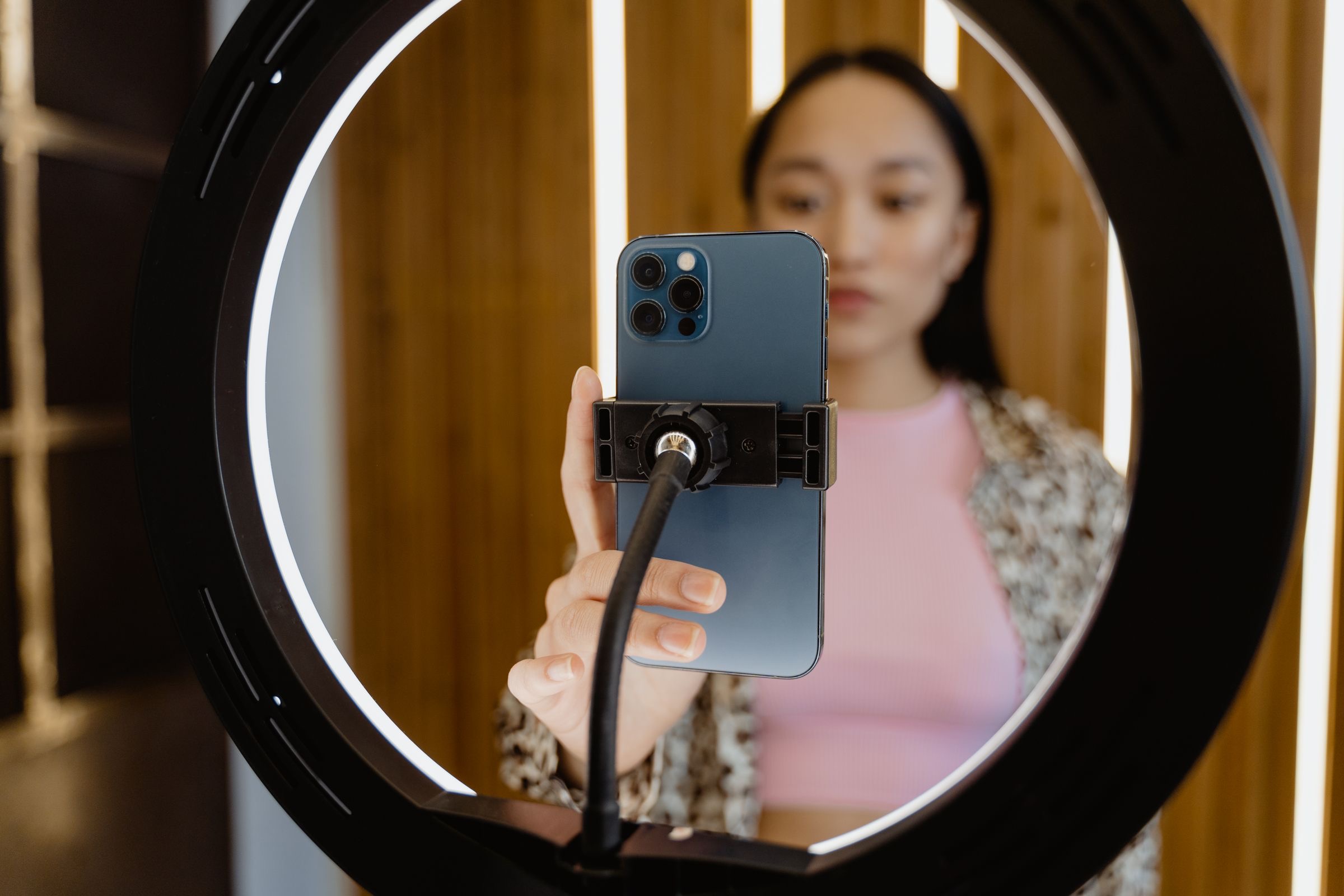
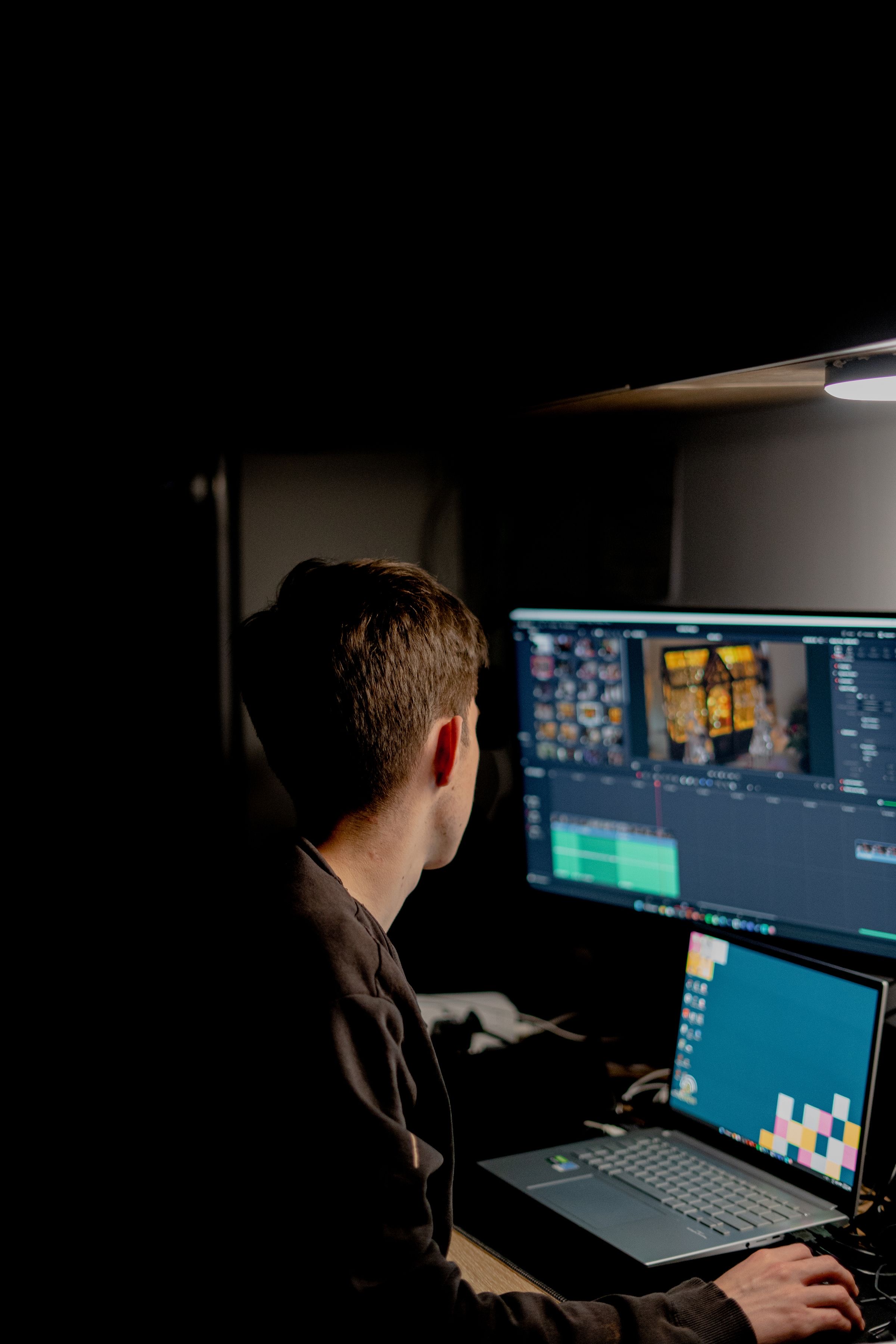


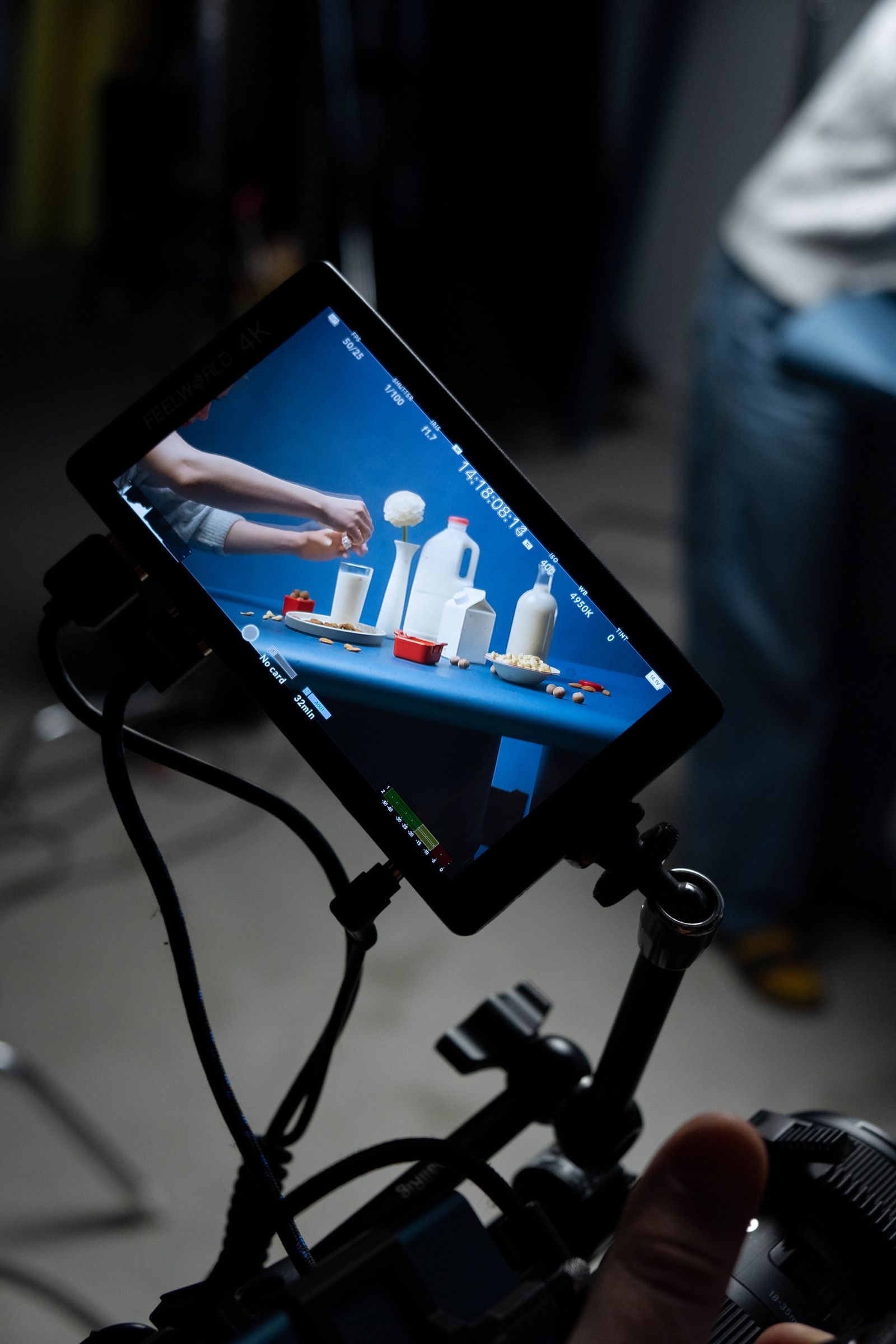
Copyright
Removing music and copyright
Removing the original music can help you prepare clips that don't reuse a copyrighted soundtrack. It doesn't make a video copyright-safe on its own: platforms may still detect other protected material, and you're responsible for having the rights to everything you publish. CAMB.AI doesn't grant licenses or give legal advice.
For teams
For media teams: batch, API and live
Batch
Process many videos at once. Upload .mp4, .mov, .mp3, .wav, .flac or .aac, download FLAC, WAV, MP3 or AAC. 22.6 seconds to process a 30-second video.
Live separationEnterprise
Separate live feeds in real time: the voice and the background as two separate streams. An enterprise feature, set up with your team on request.
Talk to usAPI
Automate it through the API: send videos in bulk and get the results back in bulk.
POST /apis/audio-separationGET /apis/audio-separation/{task_id}GET /apis/audio-separation-result/{run_id}POST /apis/audio-separation-resultsSee AI audio separation for teams
Your content stays yours
CAMB.AI is SOC 2 compliant and doesn't train its models on your audio. You can delete your runs from your History whenever you want.
Remove the music, then go global
The clean voice stem is ready for subtitles, translation and AI dubbing in CAMB.AI, so one clip can reach every language.
How it works
How to remove music from a video
Pricing
Pick your hours. Both stems in every plan.
Every plan gives you the voice and the background as two stems, in Studio and by API. Try any plan free for 3 days, with 30 minutes of audio.
Solo
$40/month
$480 billed yearly
3 hours of audio a month
For creators and hobbyists. Pull the voice out of songs, podcasts and videos in minutes.
Start free trial- Today 30 minutes to try. $0 today.
- Day 3 Your plan starts: $480 a year.
Session
Recommended$130/month
$1,560 billed yearly
10 hours of audio a month
For producers and content creators working every week. Enough for full albums, podcasts and soundtracks.
Start free trial- Today 30 minutes to try. $0 today.
- Day 3 Your plan starts: $1,560 a year.
Catalog
$375/month
$4,500 billed yearly
30 hours of audio a month
For professionals and teams at volume. Clean voice and background stems for music, post-production and localization.
Start free trial- Today 30 minutes to try. $0 today.
- Day 3 Your plan starts: $4,500 a year.
Enterprise
High volumes, live separation on your own feeds, or separation inside your own workflow.
- Live separation, in real time
- Volume pricing
- SLA and dedicated support
- Custom delivery and storage
FAQ
Questions about removing music
Remove the music from your next video
- SOC 2 compliant
- Your audio isn't used to train our models
- Batch and live