CAMB for Faith
One sermon. 150+ languages. Your pastor’s own voice.
Live translation for churches, in the room and online. Members and guests follow on their phones, your livestream goes out dubbed and captioned, and worship songs are left untouched.
Billed monthly or yearly · Save 20% yearly
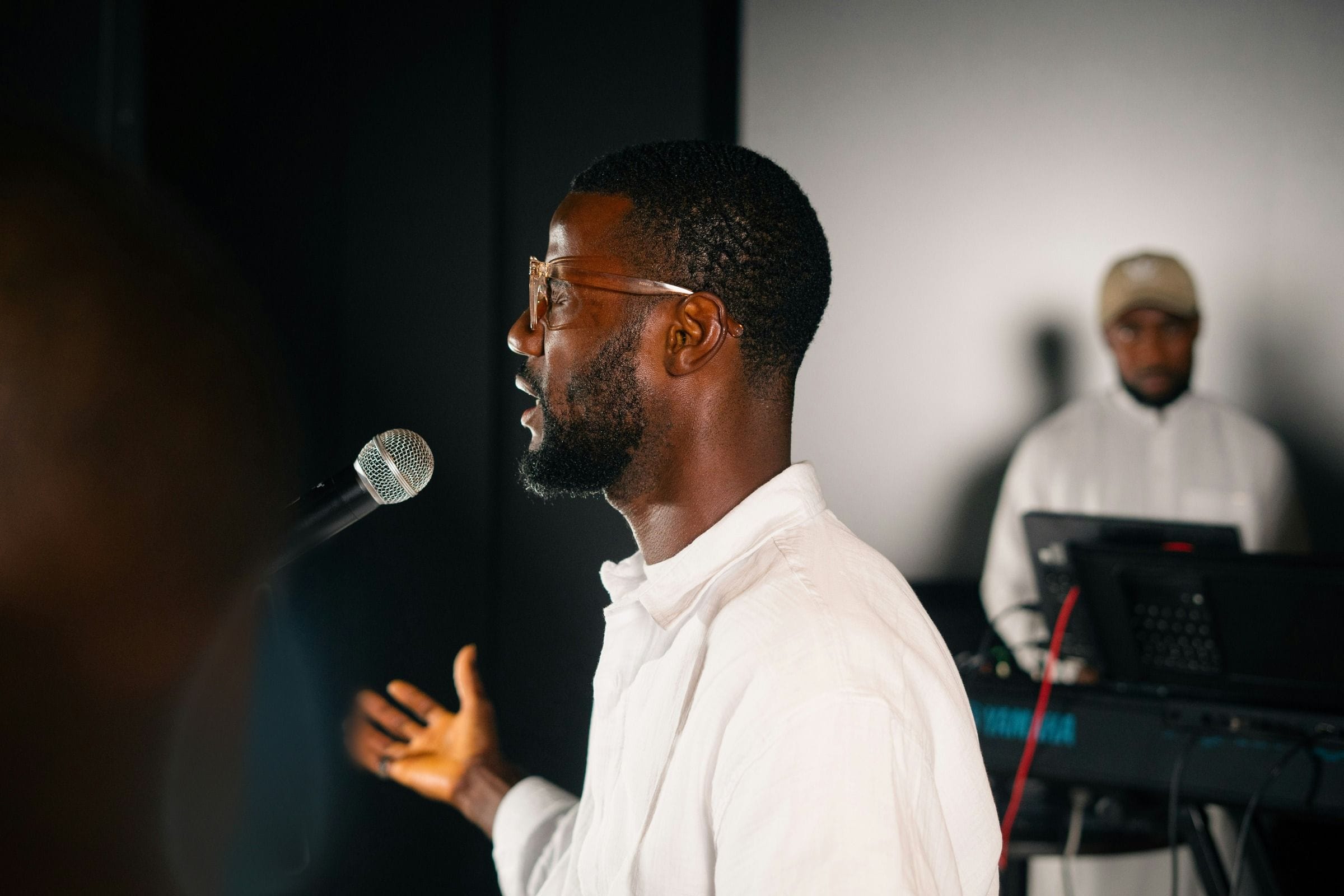
Illustration of a phone showing live captions of a sermon in Spanish. Tabs offer English, Spanish, Korean and Portuguese, and a button plays the translated audio.

- Under 2 secondsTranslated as your pastor preaches
- Unlimited listenersIn the room and online
- 1 hour = 1 hourHowever many languages
- SOC 2 Type IIIndependently audited security
Why now
Your neighborhood already speaks many languages. Sunday can too.
16%
of 15-year-old students, on average across 29 OECD countries, mainly speak a different language at home from the one they’re tested in.
OECD, 2026 (2025 data) (opens in a new tab)95%
of 1,030 Christian mission leaders surveyed in 119 countries say digital spaces are part of the church’s mission field.
Lausanne Movement, 2025 (opens in a new tab)Over 1 in 4
people older than 60 worldwide have disabling hearing loss; WHO says people who are hard of hearing can benefit from captioning.
WHO, 2026 (opens in a new tab)
What your church gets
Four ways one service reaches everyone
In the room
Follow along on their phones
Members scan a QR code and read live captions in their language. From the Pastor’s Voice plan, they can listen through earbuds too. Nothing to install.
Get startedOnline
Your livestream, in many languages
From the Pastor’s Voice plan, your livestream goes out dubbed in your pastor’s own voice, with closed captions. People at home hear the sermon in their language.
Get startedAccessible
Captions for everyone who needs them
Same-language captions for deaf and hard-of-hearing members, on their phones and on a screen in the room. From the Pastor’s Voice plan, your livestream carries them too.
Get startedAfter Sunday
Every service, ready for the week
Every service is recorded, with transcripts and subtitle files in each of your languages for your website and sermon library.
Get started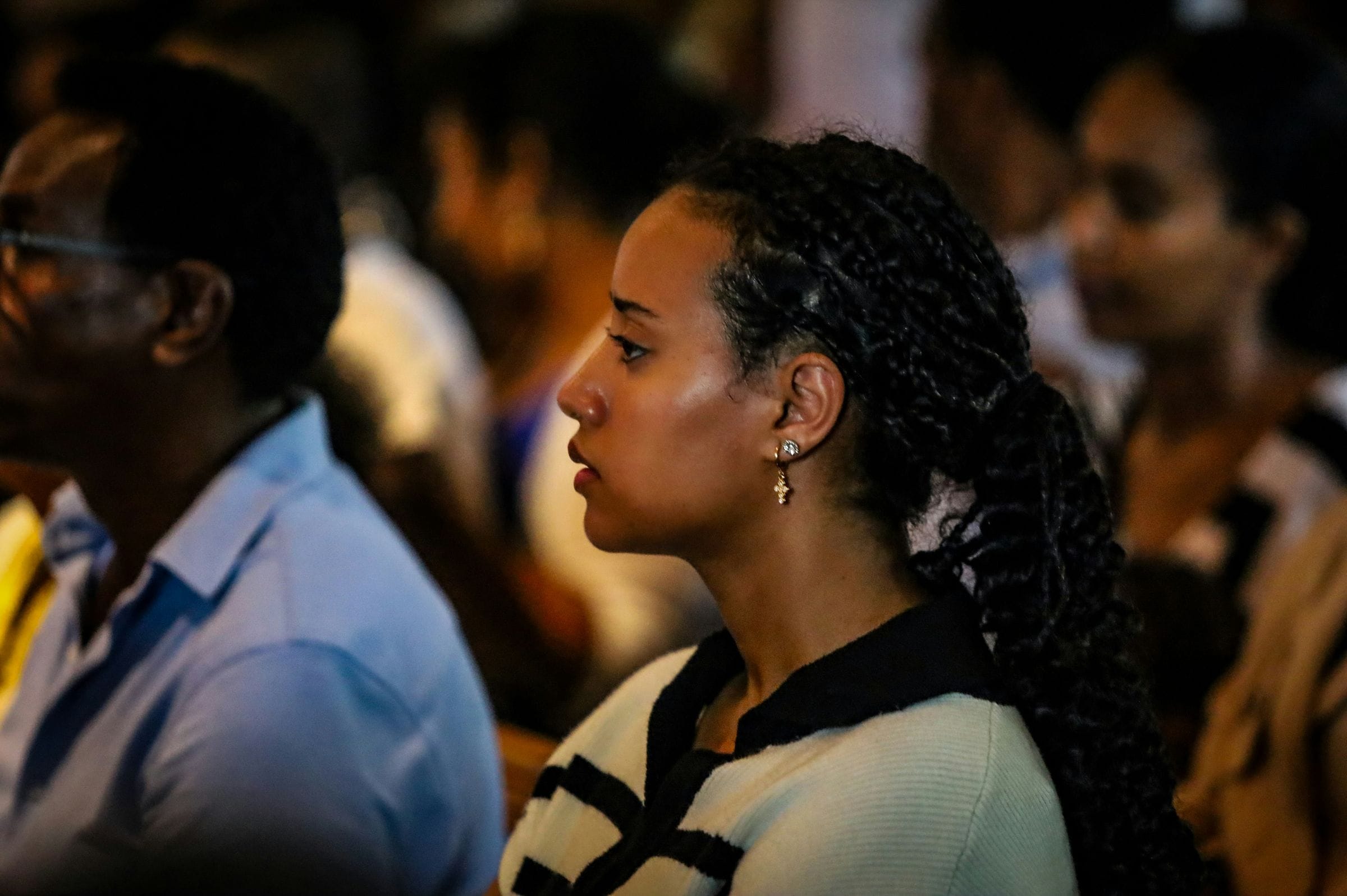
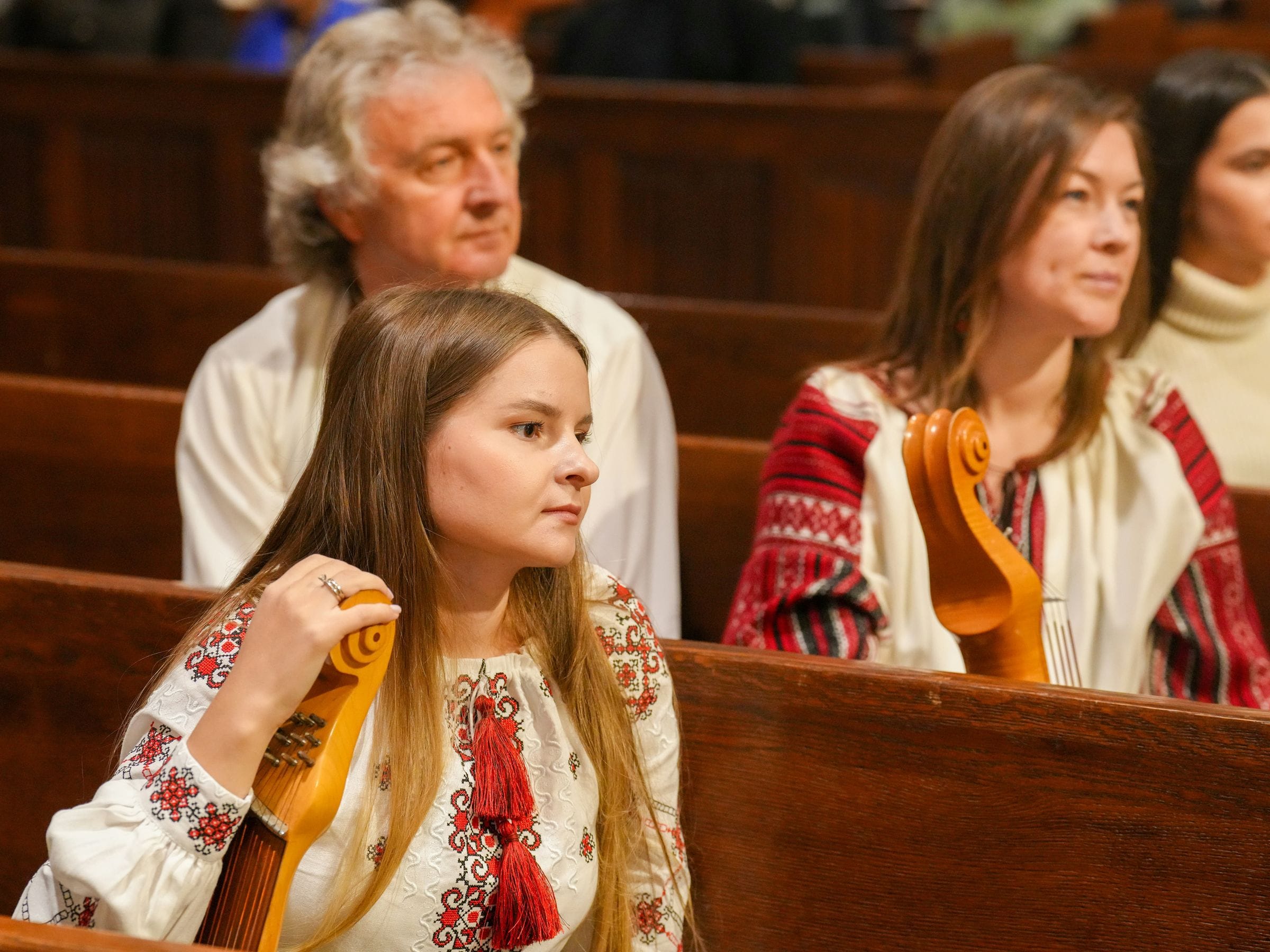
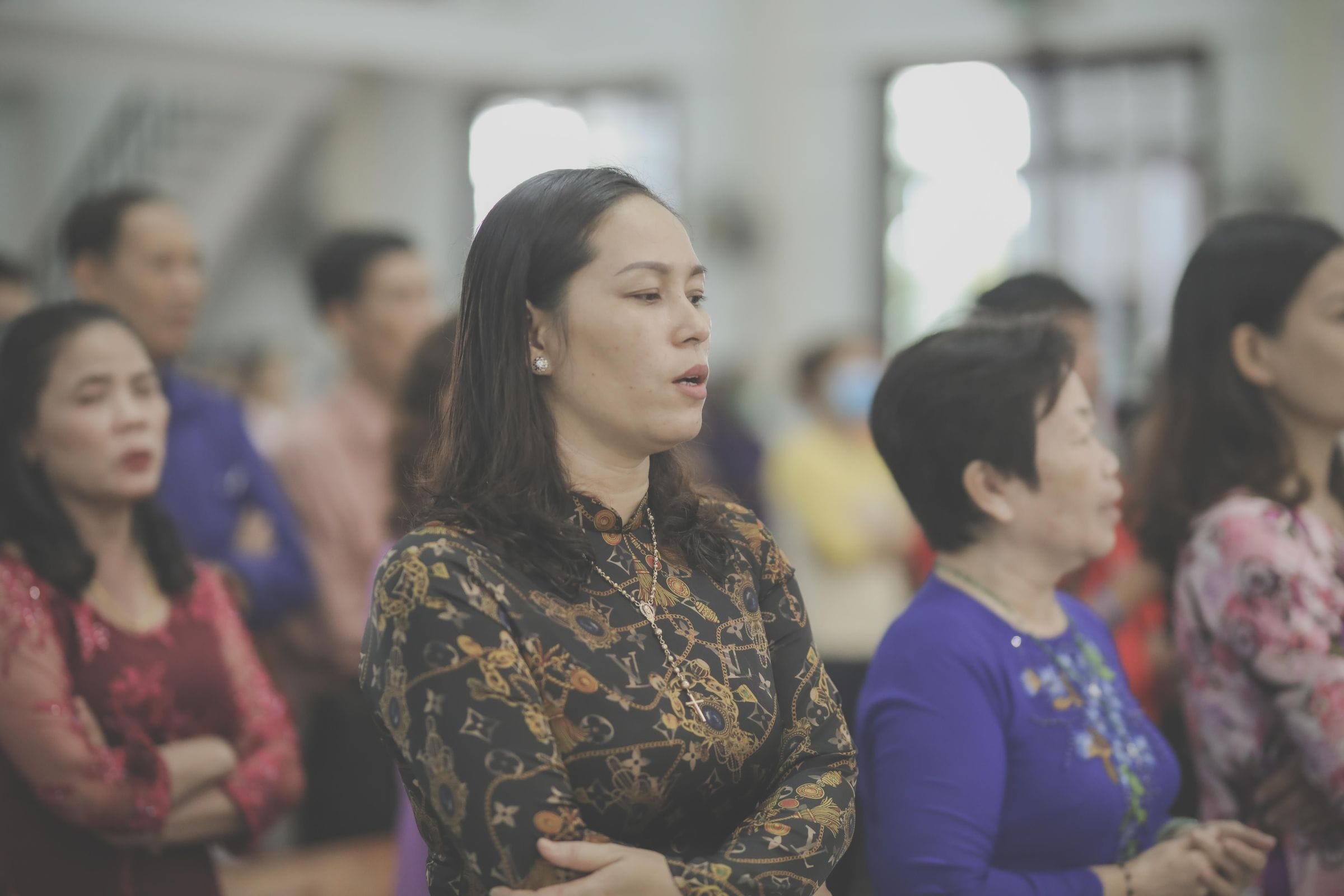
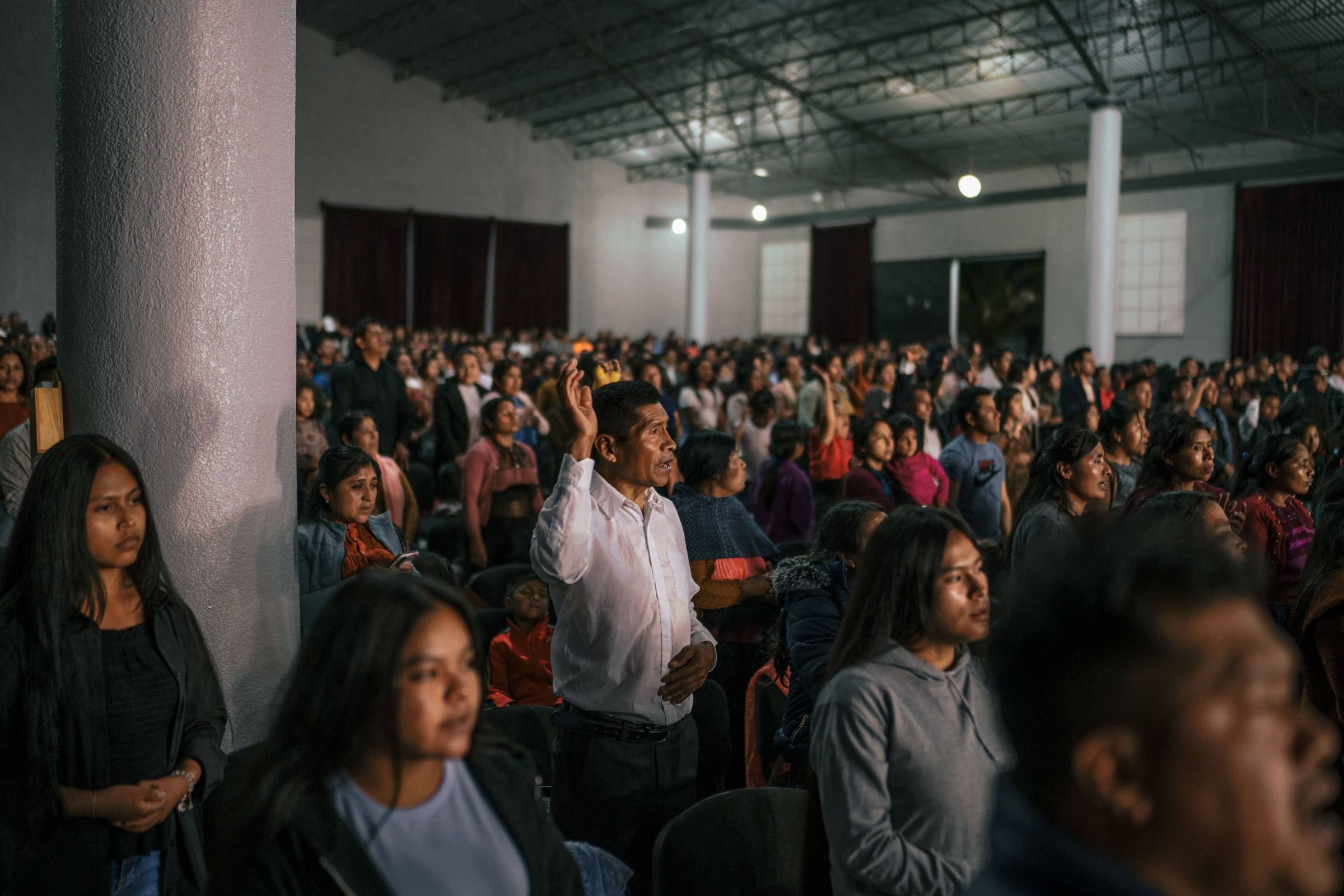
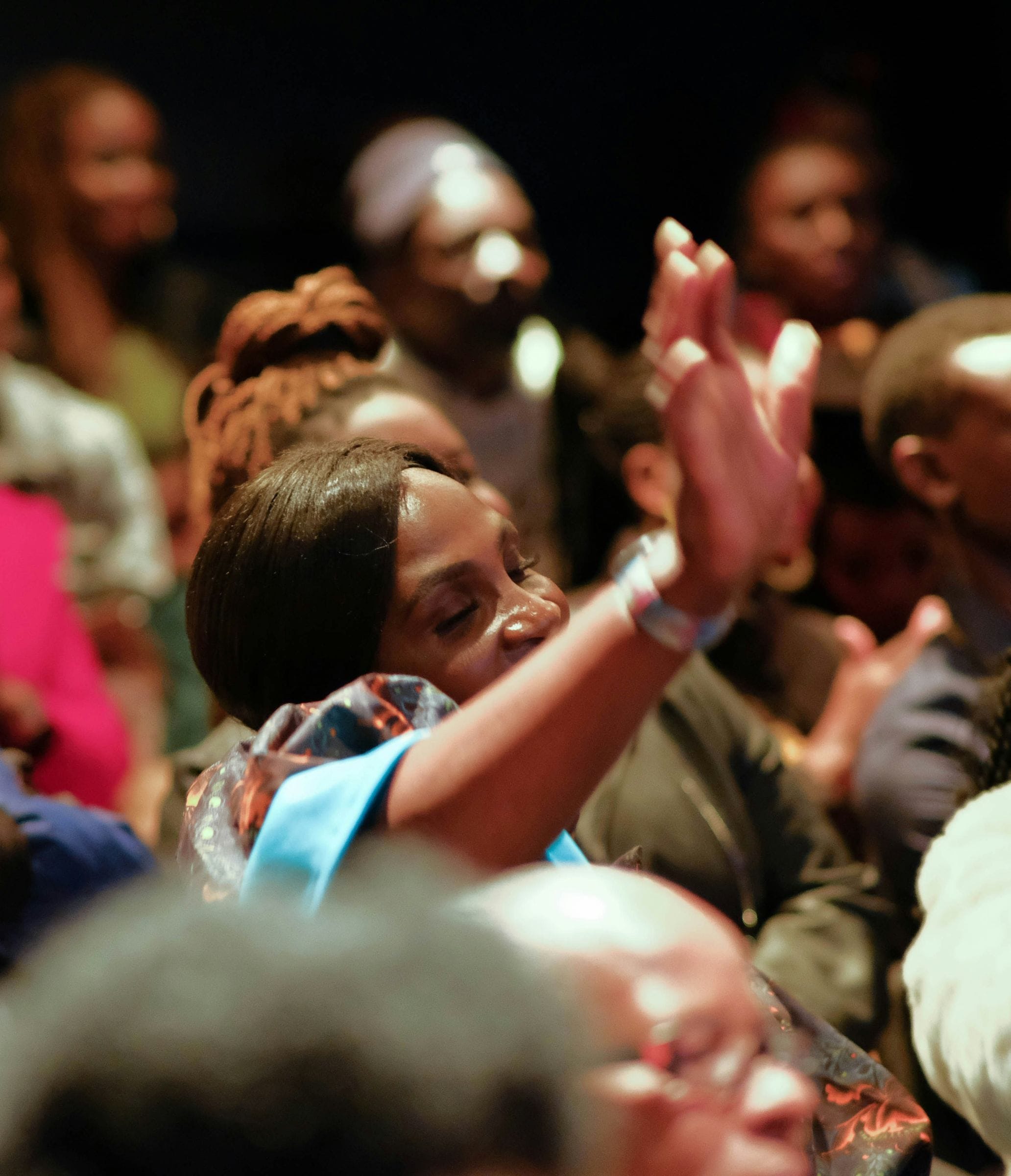
In the third row
Listening in Spanish
Watching from São Paulo
Hearing the sermon in Portuguese
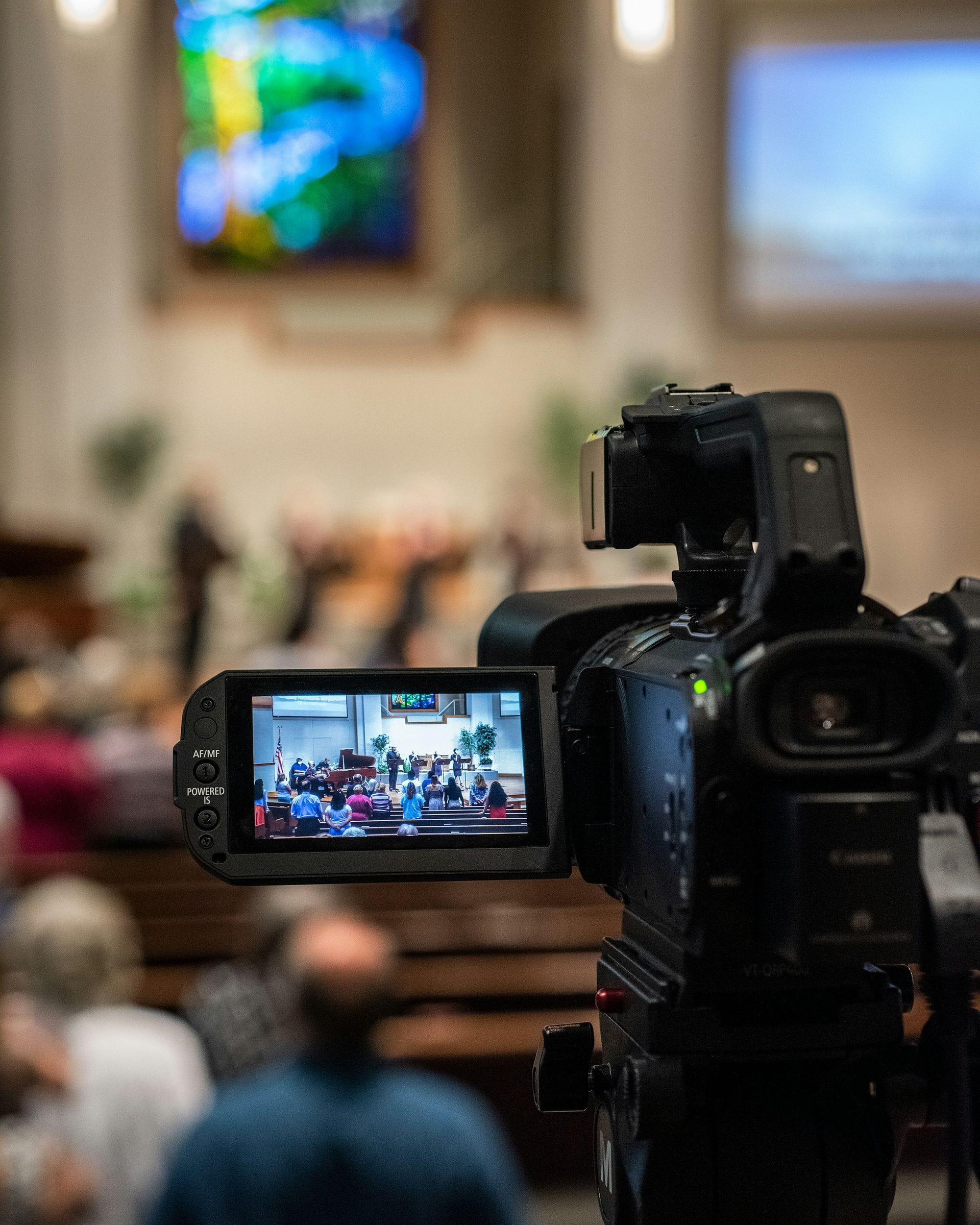
Near the back
Following the sermon in English
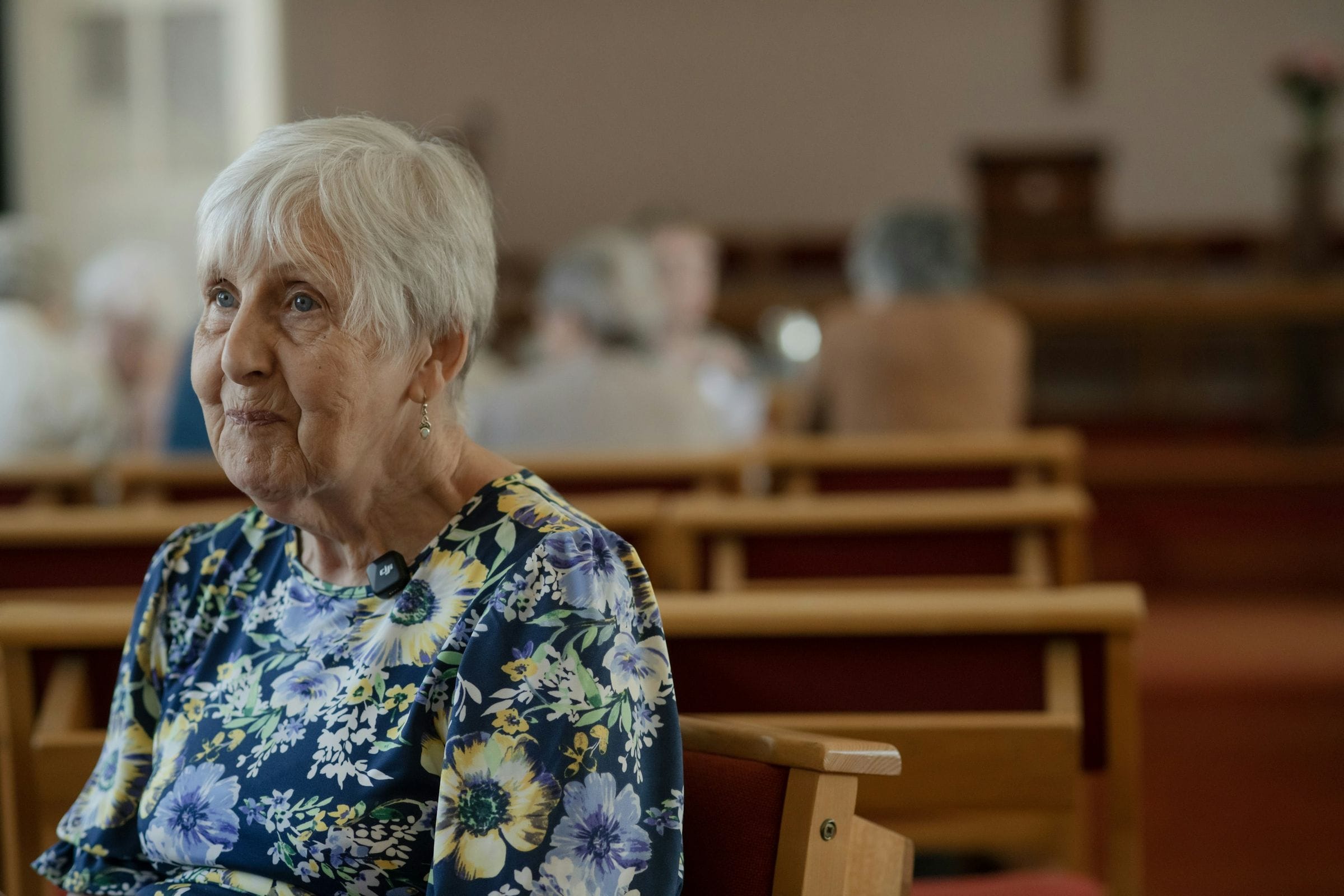
At home, midweek
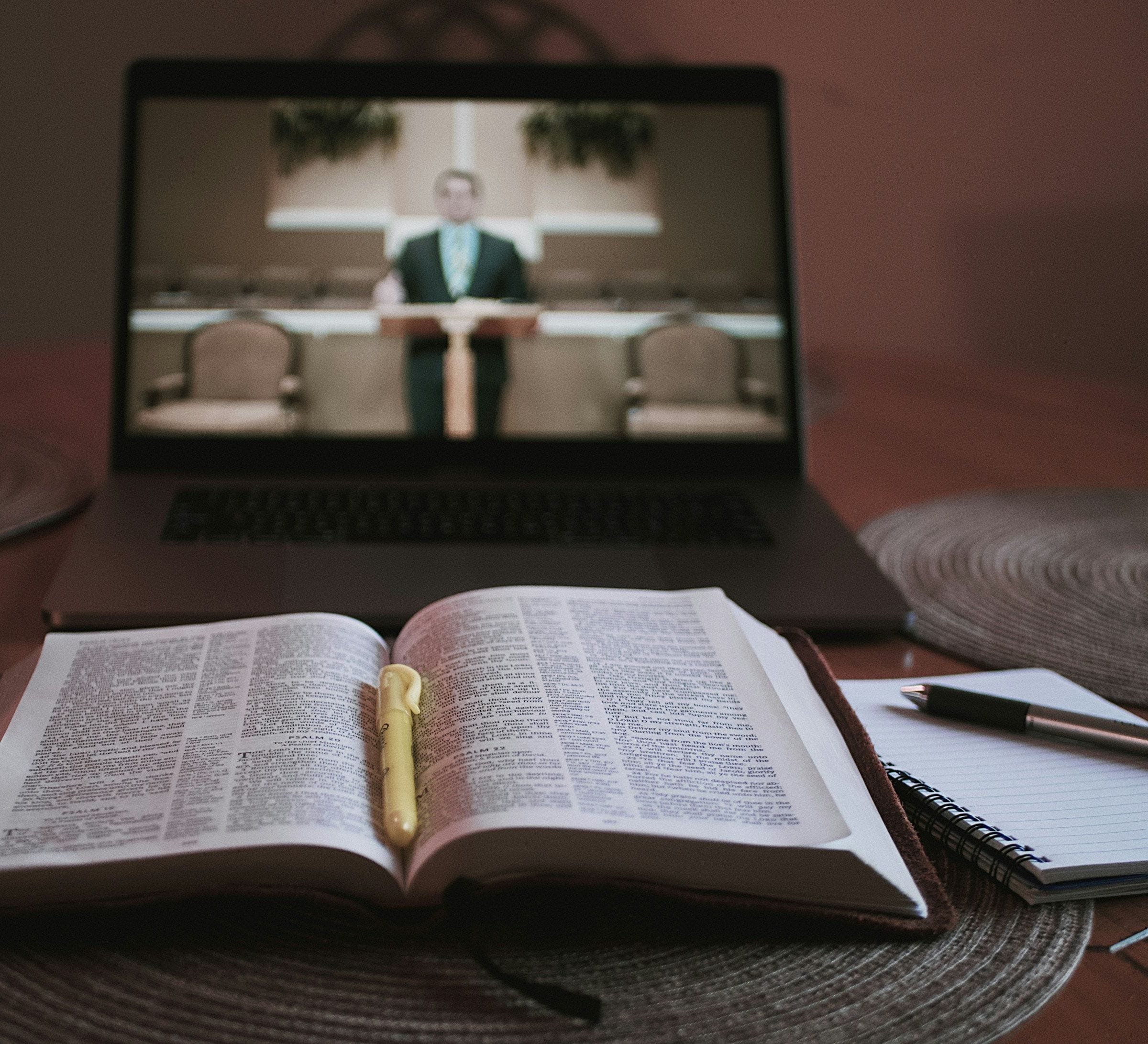
Catching up on Sunday’s sermon
Tuned for church
Built for the way a service really sounds.
CAMB is tuned for what a service holds: the songs, the Scripture, the prayers and everyone who speaks between them.
Worship
Worship stays worship
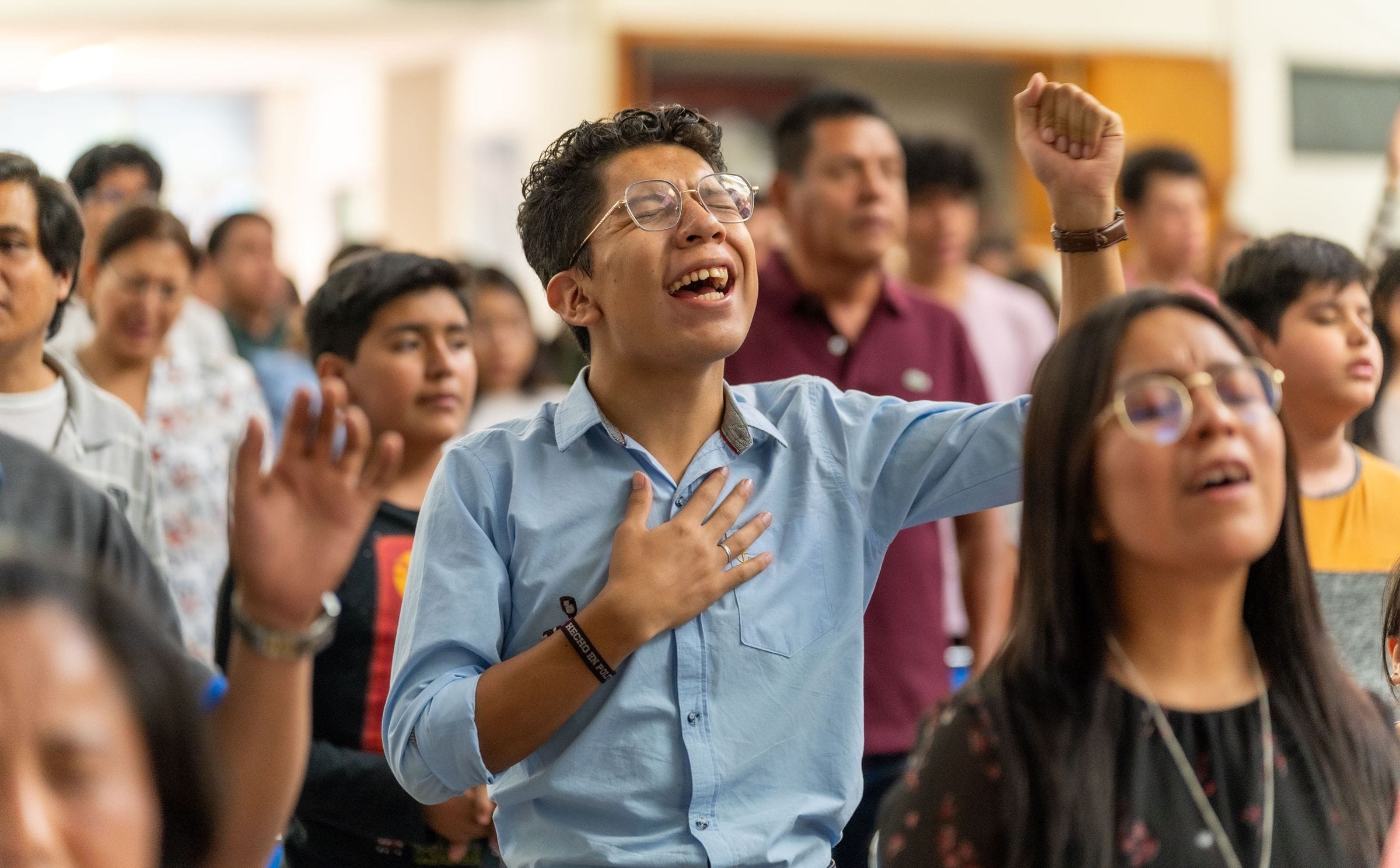
Songs are recognized as singing and pass through as your team performs them, so the translated voice stays out of your worship.
Voice
Your pastor’s own voice
Each preacher is heard in their own voice in each language you choose, learned live from the service. No recordings needed beforehand.
Vocabulary
Your church’s words
Add your pastors’ names, ministries, books of the Bible and places, and they are recognized and translated your way.
Delivery
The right tone
Tell us the delivery you want for each service: expressive for preaching, or calm and even for a service of readings and prayer.
Speakers
Every voice on the stage
Guest preachers, testimonies, interviews and panels. Each speaker keeps a voice of their own.
Sound
The room still sounds like church
Keys, organ and the congregation stay under the translated voice, so people watching at home still feel the room.
Context
Follows the whole sermon
Translation follows the sermon as it builds, in the register and regional variety your members speak, such as Colombian or Castilian Spanish.
One Sunday, end to end
What the translated stream does at each moment of the service.
 10:00Passed through
Worship
Sung in the original
 10:20Translated voice
Welcome
Translated, in the speaker’s voice
 10:25Translated voice
Scripture reading
Translated, in the reader’s voice
- 10:30Translated voice
Sermon
Translated, in the pastor’s own voice
 11:05Translated voice
Prayer
Translated, in the speaker’s voice
 11:10Passed through
Closing song
Sung in the original
- Passed through
- Translated voice
A few of the 150+ languages
- Español
- 한국어
- Português
- Tiếng Việt
- Tagalog
- Українська
- العربية
- Français
- 中文
- Русский
- हिन्दी
- فارسی
- Kiswahili
- አማርኛ
- اردو
- Polski
- 日本語
- Bahasa Indonesia
More than captions
What a translation app does, and what it can’t.
| Feature | Typical church translation apps | CAMB for Faith |
|---|---|---|
| Live captions on phones from a QR code | Typical apps: Yesincluded | YesIncluded |
| Listen on phones with earbuds | Typical apps: Synthetic voice | From the Pastor’s Voice plan |
| Your pastor’s own voice | Typical apps: Higher tiers only, if offered | From the Pastor’s Voice plan |
| Translated voice inside your livestream | Typical apps: Captions at most | From the Pastor’s Voice plan |
| Translation steps aside for worship songs, automatically | Typical apps: Paused by hand, or lyrics translated | YesIncluded |
| Music and room sound under the translated voice | Typical apps: Voice only | From the Pastor’s Voice plan |
| Several speakers, each in their own voice | Typical apps: One synthetic voice, switched by gender | 2 on Pastor’s Voice, 8 on Campus |
| Your names and terms | Typical apps: Yesincluded | YesIncluded |
| Every service recorded in each language | Typical apps: Text transcripts, mostly | From the Pastor’s Voice plan |
| A named engineer for Easter and Christmas | Typical apps: Email and chat | On the Campus plan |
Based on the published features of church translation apps, October 2026.
How it works
Set up once. Reuse it every Sunday.
Connect the feed you already produce
Send the program feed from your encoder or streaming software over SRT, or RTMP on request. One address works for every service.
Choose your languages and voices
Pick several languages for one service. Voices come from your speakers automatically, or you choose them from our library.
Share the QR code and go live
Put the QR code on your screens and in the bulletin. From the Pastor’s Voice plan, send the translated stream to your streaming platform too. One switch pauses the translation whenever you need it.
Rehearse and watch it live
Save your setup as a template, rehearse on last Sunday’s recording, and watch every language live while you stream.
Questions
What churches ask us
CAMB follows the whole sermon for context, and you can add your pastors’ names, ministries, books of the Bible and places so they are recognized and translated your way. Quoted verses are translated live, not taken from a published Bible translation. Before your first live service, rehearse on one of your recorded services so your team can check the translation.
No. Members scan the QR code or open the link, and captions open in their phone’s browser. From the Pastor’s Voice plan, they can listen there too.
Singing is recognized and passes through untouched, so everyone hears your choir or worship team as they sing. Song lyrics are not captioned or translated, so keep them on your screens as you do today. The translation picks up again when someone speaks.
Yes, on the Pastor’s Voice, Campus and Multi-Campus plans. Each speaker’s voice is learned live from the service audio, with no recordings needed beforehand, and a clear microphone gives the closest match. If you prefer, you can choose voices from our library instead. The Sunday plan is captions only.
It runs in real time. Latency is configurable, down to under 2 seconds.
A feed of the service from your encoder or streaming software (the one you use for your livestream, if you have one), and a stable internet connection. Send it to CAMB over SRT, or over RTMP on request. Before your first service, you can rehearse on a recorded one, and our support team is there if you need help.
On the Pastor’s Voice, Campus and Multi-Campus plans, it works with YouTube Live and other platforms that take an RTMP or SRT stream: each language goes out as its own stream, dubbed, with closed captions people can turn on. On the Sunday plan, captions show on phones and on your screens in the room, not in your livestream.
Up to 2 on Sunday, 3 on Pastor’s Voice and 5 on Campus, and more on Multi-Campus, from one service feed, chosen from more than 150.
Yes. One switch pauses it and puts your original audio back on, without stopping the stream. Paused time does not count toward your hours.
Your service is never cut off. Extra hours are $4 on Sunday, $15 on Pastor’s Voice and $20 on Campus. Each hour counts once, however many languages. We email you when you have used 80% and then 100% of your hours. On a yearly plan, your hours are pooled across the year.
Yes. Upgrades apply straight away and you pay only the difference. Downgrades take effect at your next renewal.
CAMB is SOC 2 Type II compliant, with encrypted transport and role-based access, and single sign-on for Network accounts. Members need no account to follow along.