AI Voices You Can Save, Share, and Reuse Across Every Project
CAMB.AI's Voice Library lets you store cloned and generated voices for consistent reuse across dubbing, text-to-speech, and audiobook production in 150+ languages.
Every saved voice works across all 150+ languages.
Generate a voice from a prompt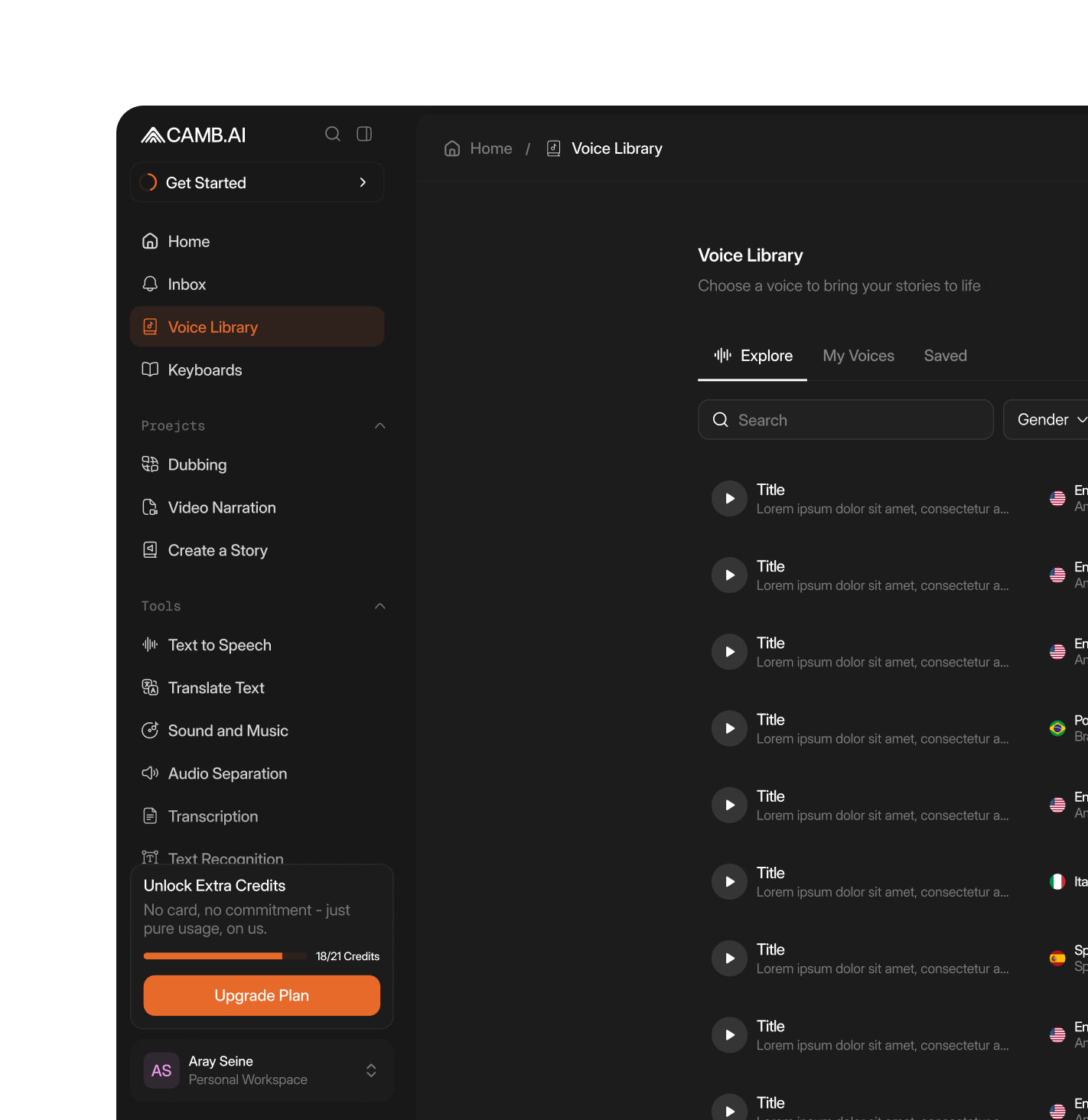
What Is the Voice Library?
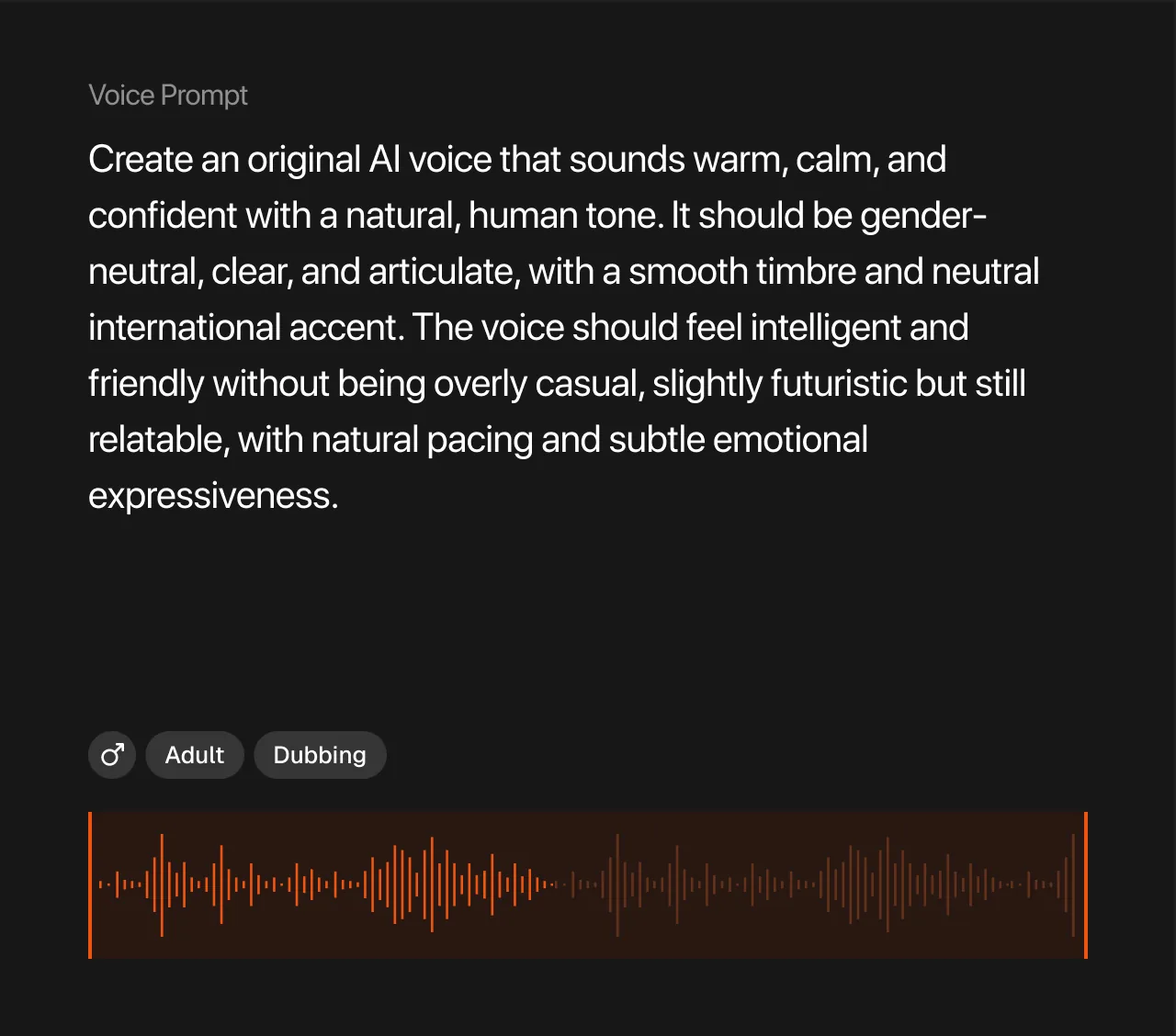
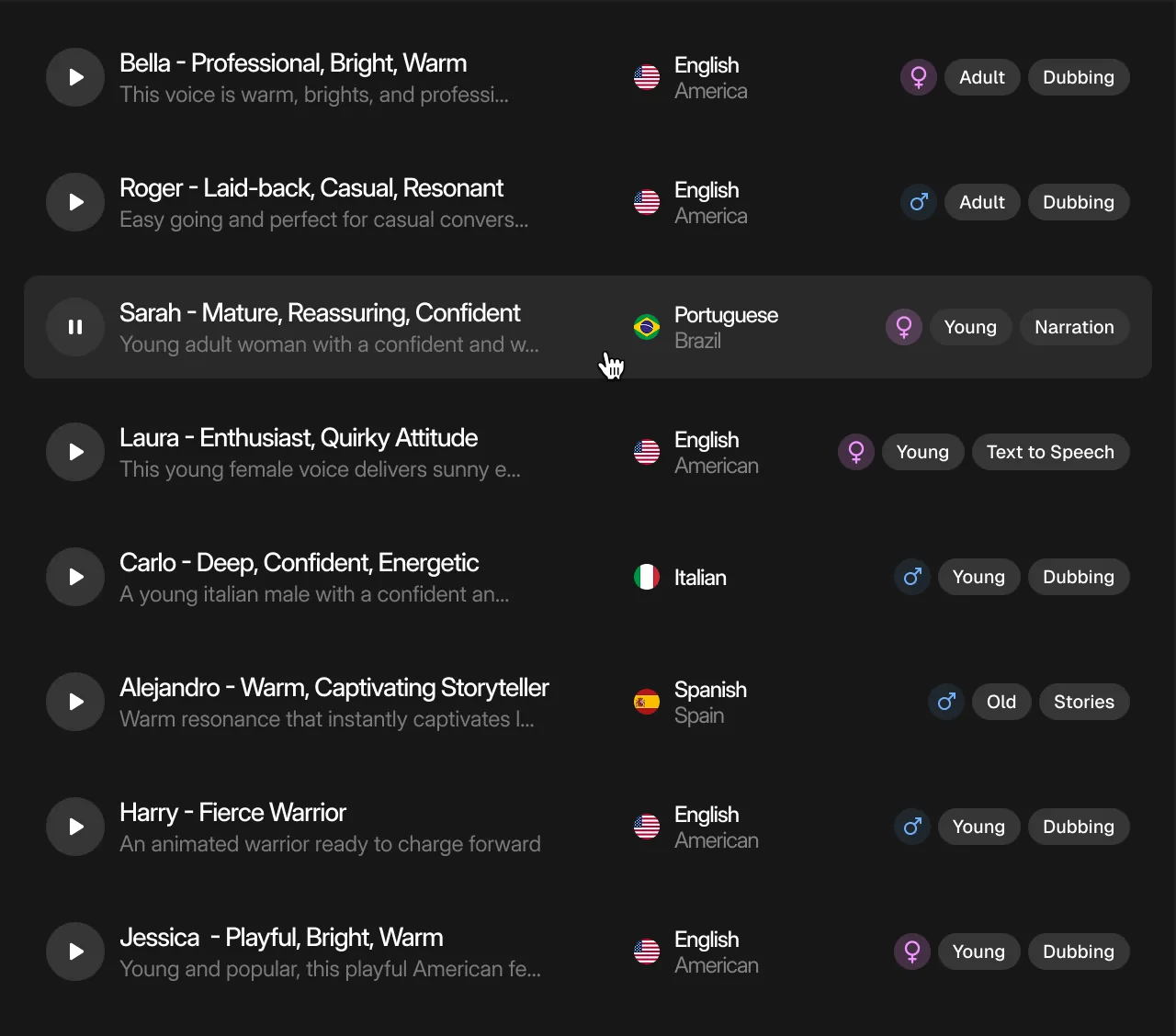
The Voice Library is a centralized repository within DubStudio where teams save, organize, and reuse AI voices across projects. Clone a speaker's voice once, store it, and apply it to any future dubbing, TTS, or audiobook workflow.
The Voice Marketplace allows voices to be shared across teams. Combined with the Voice Generator's prompt-based creation, the library provides a consistent, scalable voice roster without re-recording.
Core Voice Library Capabilities
Voice Generator
Create new AI voices from text prompts describing desired characteristics, tone, and style. Save generated voices directly to the library.
Voice Generator
Create new AI voices from text prompts describing desired characteristics, tone, and style. Save generated voices directly to the library.
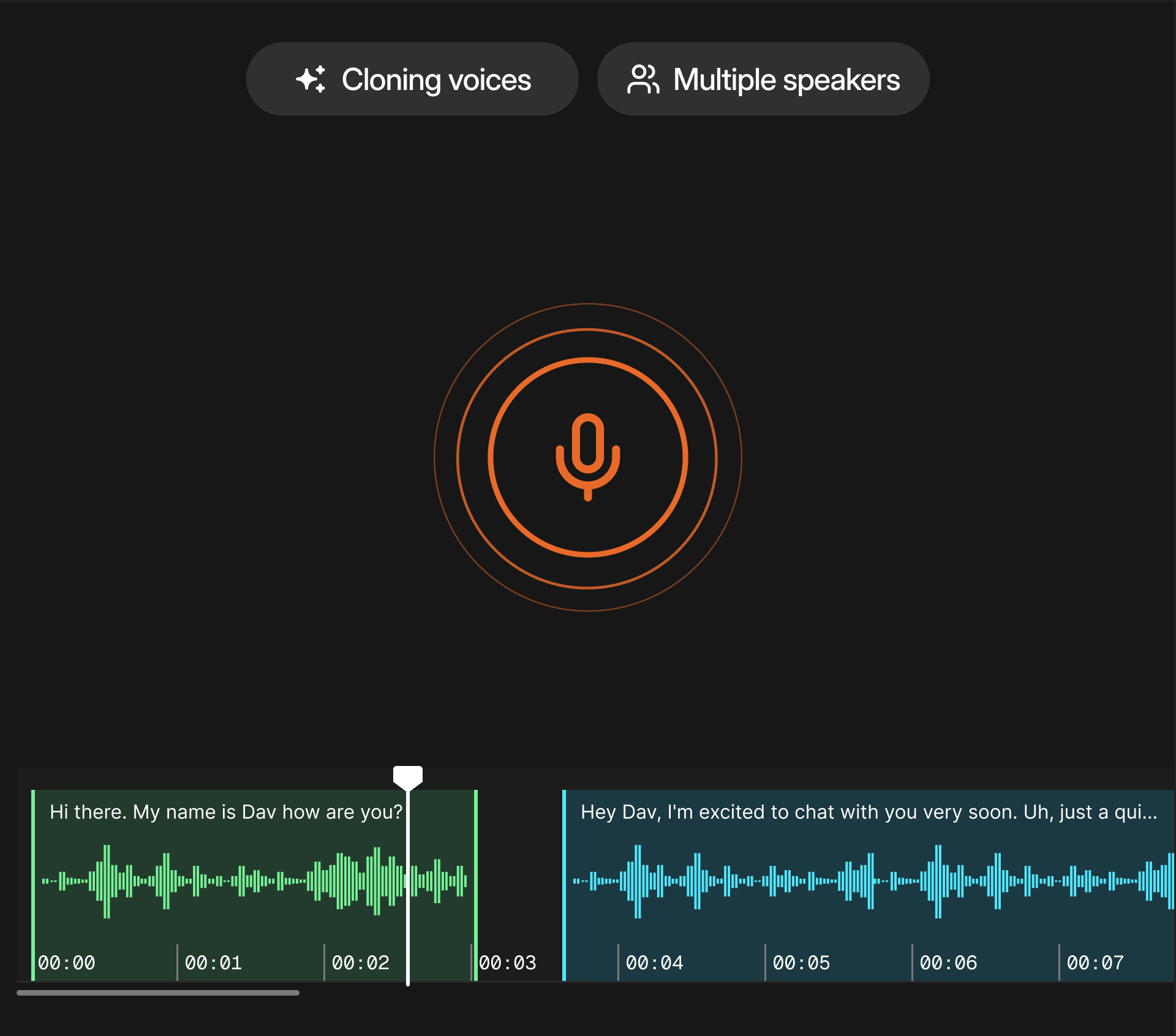
Voice Cloning and Storage
Clone any speaker from a short reference sample using MARS-Pro (0.87 WavLM speaker similarity) and save the voice profile for unlimited reuse.
Voice Marketplace
Share voices across teams, projects, and organizations. Access shared assets for a consistent brand identity.
Who Is the Voice Library Built For?
Media and Entertainment Studios
Production teams maintain consistent character and narrator voices across seasons and multilingual releases.
Content Creators and Podcasters
Creators preserving their voice identity across translated content without re-recording for each language.

Advertising and Marketing Agencies
Agencies managing voice assets for multiple clients across campaigns and regional markets.
Voice Library Use Cases
Brand Voice Consistency
Store your brand's approved AI voices and apply them across every piece of content, from product videos to IVR systems, in any language.








How the Voice Library Works
Create or Clone a Voice
Upload a short audio reference to clone a speaker, or use the Voice Generator to create a new AI voice from a text prompt.
Save to Library
Store the voice profile with labels, tags, and project associations for organized retrieval.
Apply Across Projects
Select saved voices when configuring dubbing, TTS, or audiobook jobs in DubStudio. Voices work across all 150+ languages.
Share and Scale
Use the Voice Marketplace to share voices across teams. Reference library voices via API for automated production pipelines.